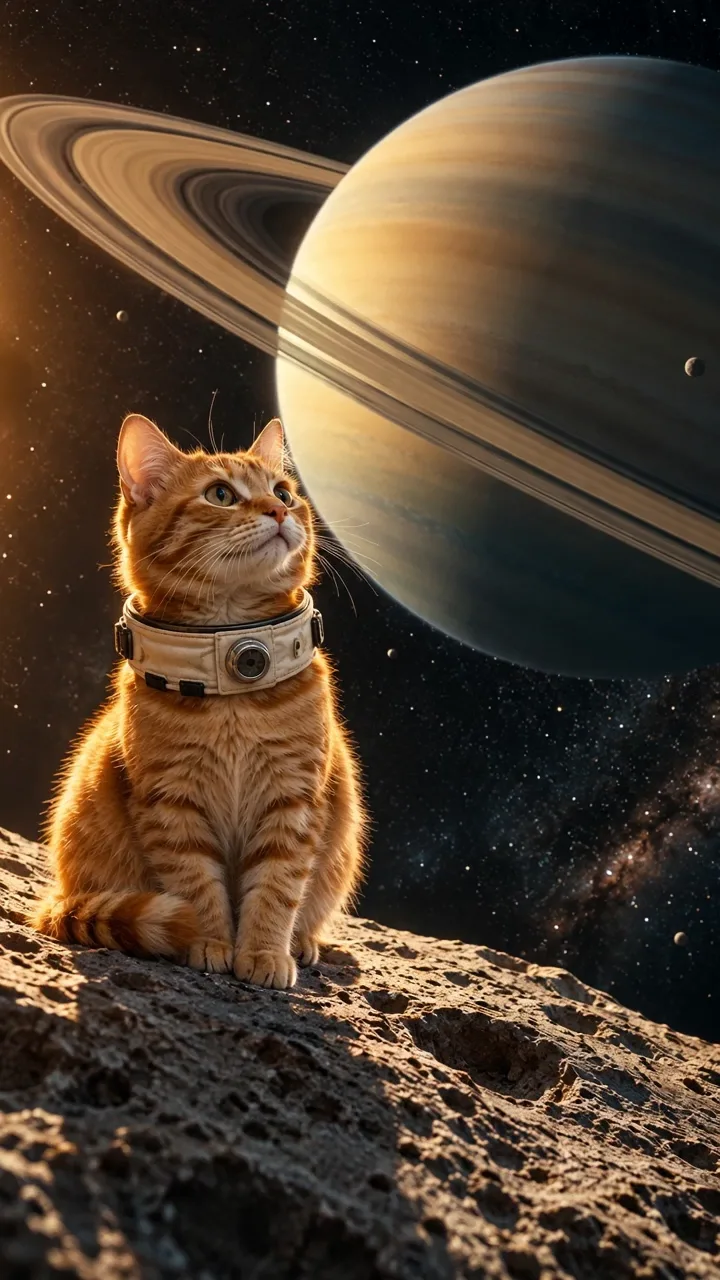
AI Cat Video Generator
Use the AI cat video generator to create a scene from text, a cat photo, or video. Describe one action, review the quote, then preview and download.
Create a Cat VideoThe AI short-film playground
TikTok / Reels / ShortsUse Viral Video AI Tools to turn a prompt, photo or reference video into a new short clip for TikTok, Reels or YouTube Shorts.
A dancing pet? A tiny paper world? Pick a creative direction, watch a sample, and make your own version.
Use the AI cat video generator to create a scene from text, a cat photo, or video. Describe one action, review the quote, then preview and download.
Create a Cat VideoUse an AI dance generator to create a short dance clip from a written idea, a full-body photo or a reference video. Review the motion and download the result.
Create a Dance VideoUse the AI product video generator to explore one product photo in motion. Check the quote, then inspect labels and shape before publishing.
Create a Product VideoUse the AI animation generator to turn text or an illustration into a short scene. Choose a material and action, then review your quote.
Create an Animated VideoUse the AI TikTok video generator for one original short scene. Start with text or a reference, check your quote, then preview and download.
Create a TikTok VideoCreate a short visual for an Instagram Reel. Review the clip and its cover frame, then download it to post yourself.
Create a ReelCreate a new short clip for YouTube Shorts. Preview movement and sound, then download for your own upload.
Create a YouTube ShortUse the funny AI video generator to turn an idea or reference into a visual joke. Review the credit quote, then preview and download for editing.
Create a Funny VideoCreate a gentle family animation with this baby AI video generator.
Create a Family VideoUse the AI promo video generator for a short visual. Check the quote, then add verified offer text in your editor after downloading.
Create a Promo Video
Describe your scene. Where supported, add your photo, a reference video or both to guide the look and movement.
Start with a scene or dance template. Bring your own photo, your own direction, your own twist.
Viral Video TemplatesViral Video AI Tools is a directory for generating new short clips from a written idea, a photo or a reference video, depending on the tool. Product Video requires a product photo. Where the tool supports two inputs, the photo guides appearance and the video guides movement in the new scene. Use a clip editor to pull highlights out of a recording you already have.
Available inputs depend on the tool. Review the result before downloading or sharing.
Start with a playable sample. For a bottle close-up, watch the product video sample and look at the label throughout the short clip. For a fictional scene, the animation generator can start with a written description. Use the input filter to narrow the library, then compare what happens from the first to the last frame. An animation sample can help you decide how much change you want in the scene. That distinction matters more than the name of the AI video generator. For a preset scene or dance, browse the video templates.
Before opening an AI video tool, choose a subject and one motion. Use source material you have permission to upload. For a photo of a bottle, try a slow push-in while the bottle stays upright. Runway's image-to-video prompting guide explains how its model uses the image as the first frame and the prompt to describe motion.
For a dance, leave room around the whole body so you can judge the steps in the short clip. For a close-up, decide what detail must stay readable. When you use a reference video, tell the AI video tool which part of the motion matters, such as the speed of the turn or the direction of the camera.
Choose the right workflow
This directory groups ten AI video tools by subject and intended use: dance, cats, comedy, products, animation, TikTok, Reels, Shorts, baby themes and promotion. Open a tool to generate.
Use the directory’s search, subject and input filters, then inspect the sample and input label. Filters narrow the library; they do not upload your files or start generation.
Filter by subject or input, preview a sample and open the matching tool. Use Templates when you want a prepared motion or scene rather than an open brief.
It depends on the page. Product Video and photo-based motion templates require at least one image. Basic accepts up to 9 photos; Pro accepts up to 30. Open-brief tools and scene templates can start with text and accept optional supported references; check whether the selected page also accepts your own video.
Compare the actual task: inputs, motion control, length, output quality, audio, editing and total cost. This site offers short-clip generation, visible samples and a quote before submission. It does not provide a full editing timeline or a verified ranking of competing products.
Choose the right workflow
You can inspect public samples and your accepted source media before submission. They are not a free render of your own request. Your result is generated after confirmation of the current credit quote.
No exact match is guaranteed. Appearance, motion, lettering and audio can vary. Start with a clear source and one simple action, then inspect the entire finished clip before sharing or buying another attempt.
You can select the same authorized file in another tool if it meets that tool’s input rules. Do not assume every page accepts the same media or automatically transfers the current draft. Keep your own original files.
Prepare and generate
General tools offer Basic at 4–15 seconds and 480p/720p, or Pro at 4–30 seconds with 1080p available. Templates can fix length, ratio or sound. Check the controls on the selected page.
Accounts, credits and task status
The creation area shows the current quote. Tier, output length, resolution and reference-video duration affect it; prepared template references can also count. Recheck the total after changing settings. Video Credit Guide
For scene assembly and text overlays, follow the Adobe Express video editing guide after downloading. For YouTube, check the finished picture and soundtrack against its AI video and audio disclosure guidance before publishing.
Runway, Image to Video Prompting Guide. Starting images and motion prompts in Runway.