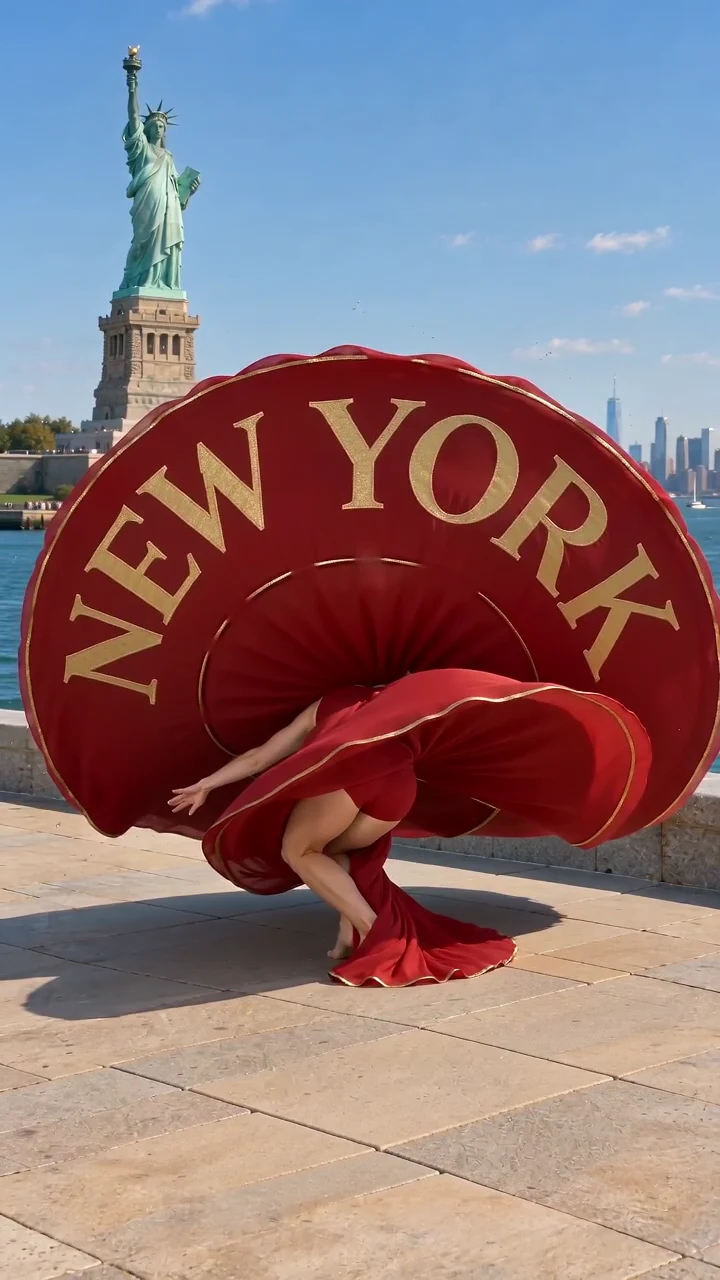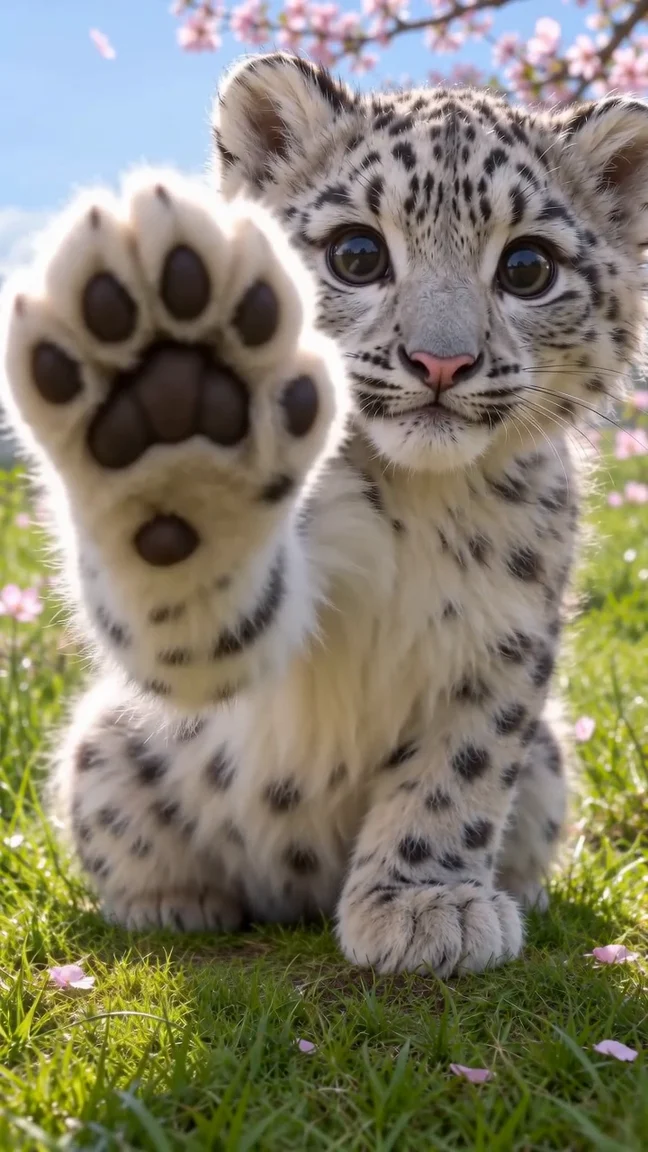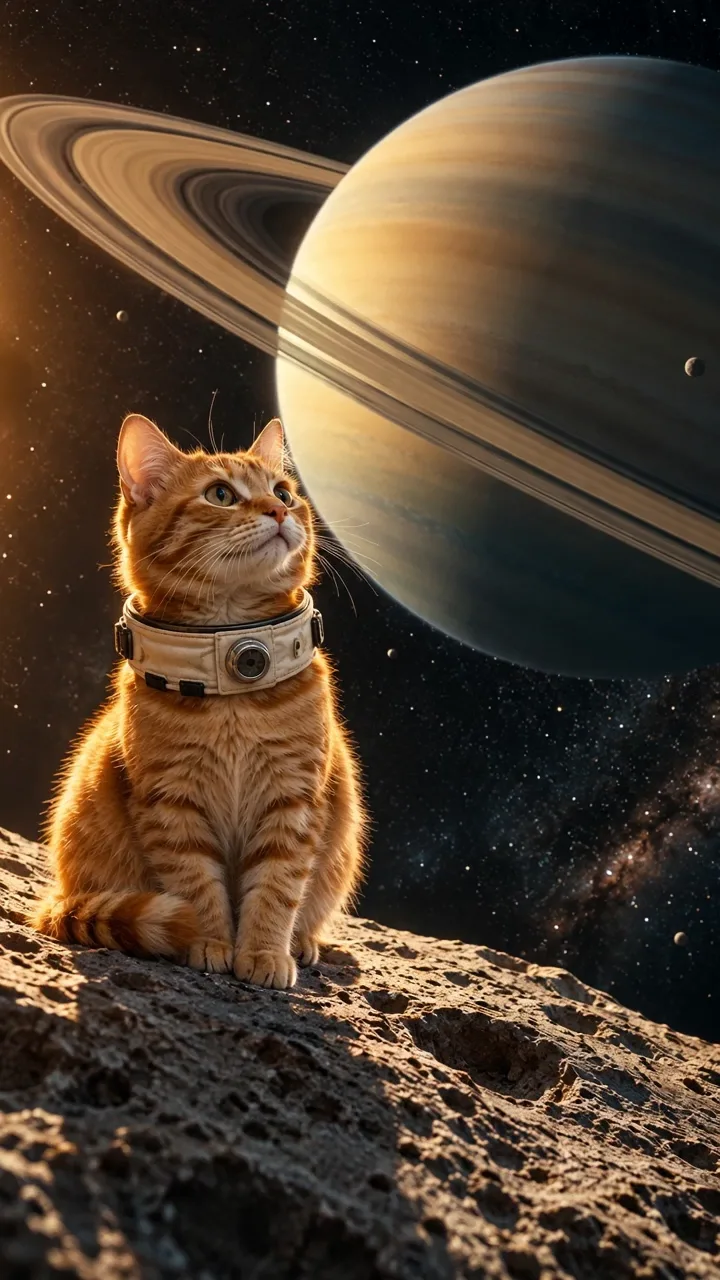
00:02
Set the scene
A first look sets the mood for the auction.
Sheru short film studio
Your photo. Sheru’s next big scene.
Choose a story. Add your photo. Join Sheru for a cinematic cameo.Supercar Auction
You, a golden lion and a fox with expensive taste.
English dialogue15 s 9:16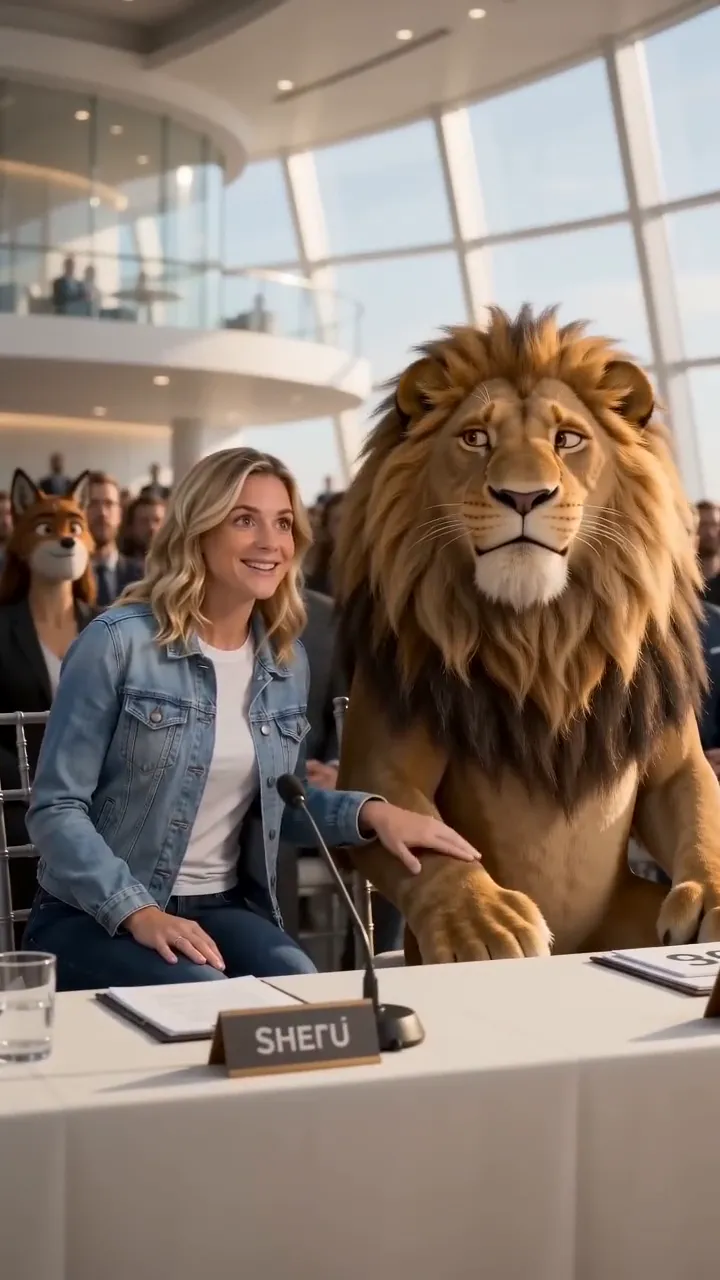
From a familiar face to a scene with Sheru. Explore three moments from your selected example, then make your own version.
A first look sets the mood for the auction.
The bidding brings out your rival’s competitive side.
The winning bid comes with a playful surprise.
Inside the selected story: Golden Lion Supercar Auction
Six auction comedies, each adapted for your photo and a 15-second story. Explore the entrance and miniature-car bonus scenes too.
You, a golden lion and a fox with expensive taste.
A white lion. A determined bear. One extraordinary car.
Join golden Sheru for a bidding war by the water.
A cheetah challenges white Sheru for the winning bid.
Royal surroundings. A red panda. Tea worth bidding for.
White Sheru takes on a panther with an eye for watches.
Walk beside white Sheru and make an entrance together.
Take your seat beside Sheru. The bidding has a twist.
A Sheru Bhai AI video pairs an extravagant lion character with cinematic arrivals, playful bids and a comic reveal. This Sheru Bhai AI Video Generator adds the adult from your photograph as a human co-star in a fifteen-second portrait clip. Your face stays human; this is not a lion-head transformation.
Ajizul Haque’s photo tutorial illustrates the white lion beside a person while retaining their appearance. Mithi Ai’s Sheru Bhai tutorial covers consistent animal characters and image-to-video storytelling. Your cameo combines a recognizable photo with a prepared story; AI likeness and character continuity can vary.
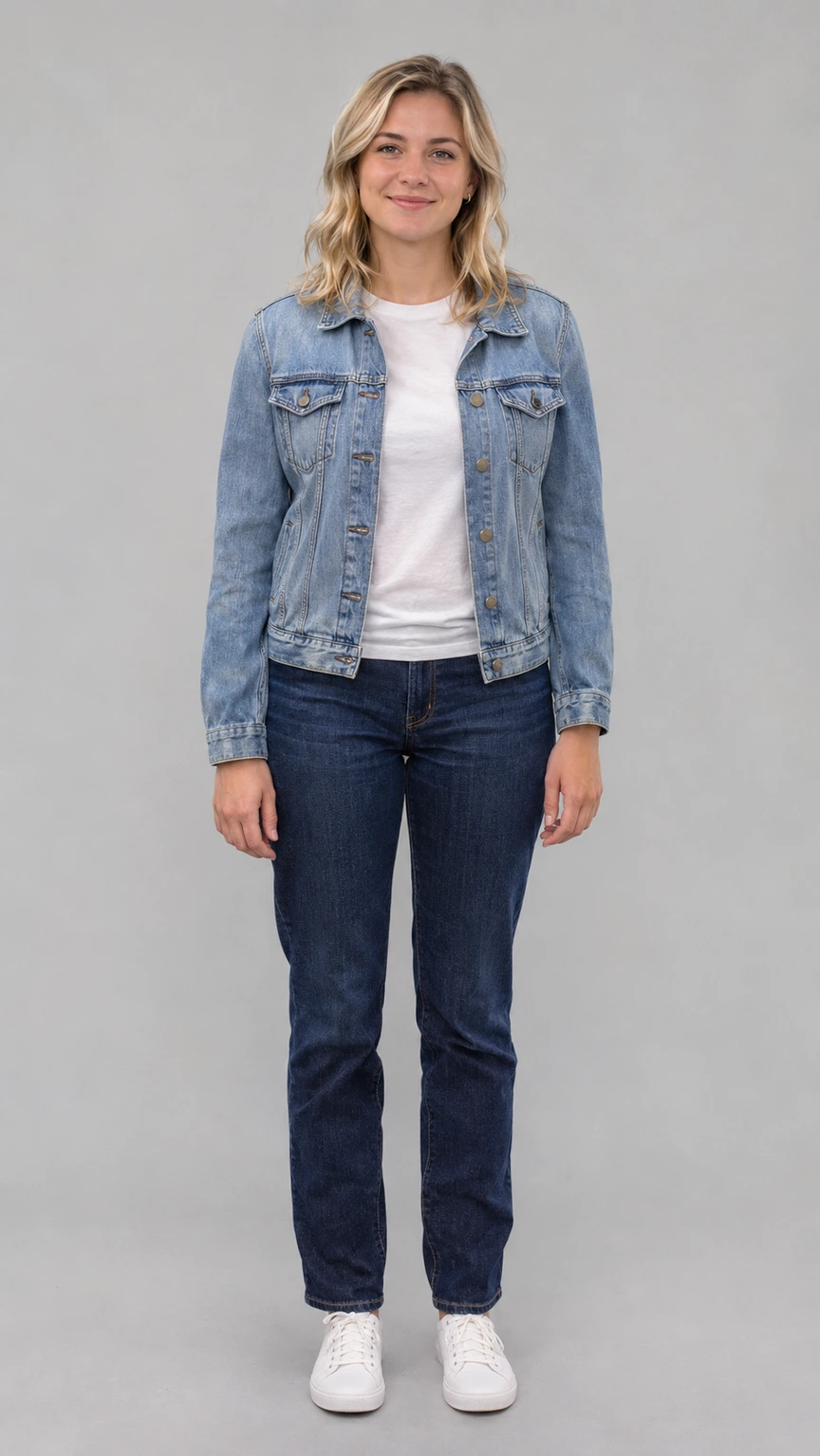
Upload one adult photo: JPG, PNG or WebP, up to 10 MiB. Keep the face, hair and shoulders visible. Full-body photos help the entrance preserve clothing. Avoid group photos, heavy filters and covered faces. Use a photograph you have permission to upload.
Choose from six Sheru Bhai auction templates, each with its own rival, prize and comic reveal:
A deer hosts each auction; you assist the lion with the bidding and reveal. With sound enabled, each requests three short sequential lines of English dialogue. Two bonus scenes use just you and a white lion: The Entrance is a courtyard walk without speech; The Auction reveals a miniature car and requests one English line.
Each Sheru Bhai story is written for 15 seconds and a 9:16 frame. Basic fixes that length and framing, with 480p by default and 720p available. Pro adds 1080p and chooses the final length and framing automatically; its output can differ from the prepared format. Generated sound is optional. Separate voice selection, audio uploads and automatic subtitles are unavailable.
Choose a prepared Sheru Bhai story when you want your own photo in the scene without writing a full script. Each template defines the cast, prize, camera beats and punchline. Real examples help you choose between a golden or white lion, a busy auction and a simple entrance.
Basic is the starting option; choose Pro for its additional resolution and compare the quote. The prepared short format offers less control than a film editor. Face matching, gestures and English dialogue are not guaranteed. Rahul Tech’s White Sheru tutorial treats image preparation, animation and speech as separate creative steps. Review the result and add captions afterward if needed.
No. The Sheru Bhai template keeps you human beside a golden or white lion. It aims to retain your face and outfit; inspect the result because AI likeness varies.
One clear adult photograph, JPG, PNG or WebP, up to 10 MiB. Keep the face unobstructed. Try the sample photo to explore the Sheru Bhai controls before uploading yours.
Which Sheru Bhai auction stories are available?
Supercar, flying car, yacht, miniature scooter, palace tea set and luxury watch. Each has a specific lion color, rival and joke. White Sheru stars in the flying-car, scooter and watch stories. Entrance and miniature-car scenes are bonus options.
The Sheru Bhai AI video script targets fifteen seconds and 9:16. Basic fixes that output format with 480p or 720p. Pro adds 1080p and automatically chooses the final length and framing. Select your model above Quality & Sound, then adjust resolution and sound. Your quote updates with your settings.
Does the Sheru AI video include English dialogue?
Sound is on by default. Auctions request short English dialogue; the entrance requests footsteps and ambience. You can disable sound. Exact wording, pronunciation and lip-sync vary; voice selection and audio uploads are unavailable.
Is the Sheru Bhai AI Video Generator free?
Generation uses credits. Watch examples and prepare a photo before deciding. Check the live quote for your settings and the available credit packs; generation is not advertised as free.
What if I need to sign in or buy credits?
Generate opens sign-in for guests, even without a photo. Low balance opens the purchase dialog. Closing retains your photo, note and settings. After signing in or purchasing, start your Sheru Bhai video again.
Confirmed technical failure returns the original credits. Wait while a task is processing or being checked. A completed clip with unwanted details is not automatically a technical failure; another creative attempt uses credits. See the refund policy.
Yes: upload and download directly on mobile. Desktop users have photo-upload and finished-result QR transfers. Receiving a photo does not automatically generate a Sheru Bhai AI video.
Media and task files are stored for generation and delivery. Product access defaults to your account, but accessible direct storage URLs can expose files. Automatic deletion is not promised. Read the privacy policy before uploading.
Try a pet performance or another character-led short for your next clip.