Familiar Fur. Little Paw.
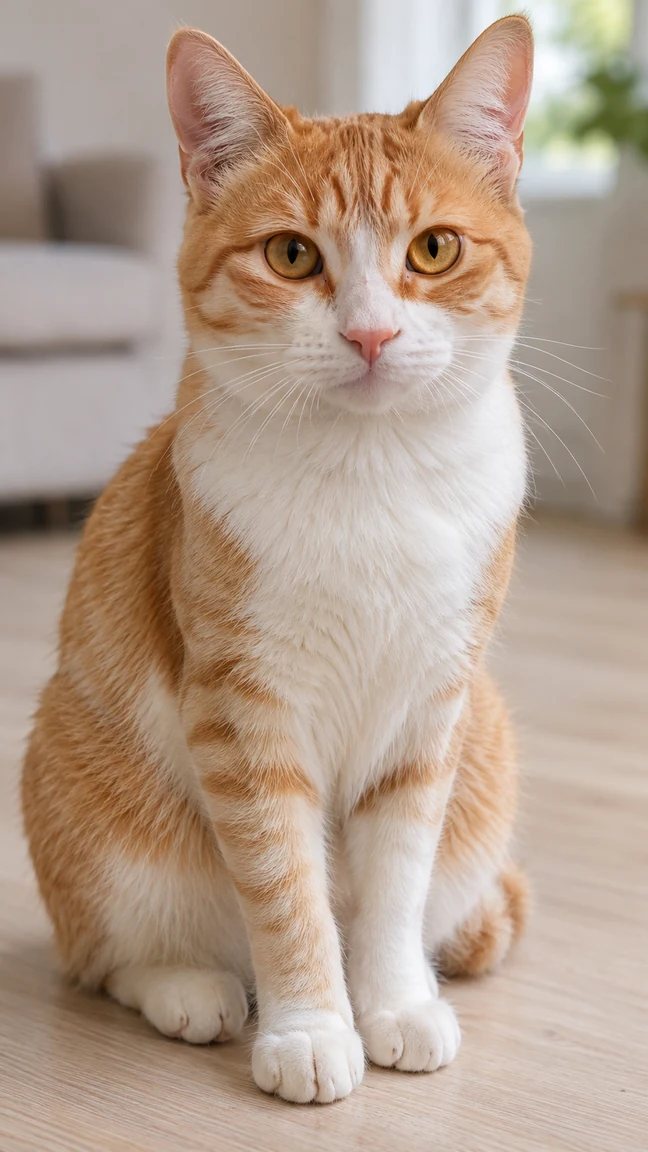
The ginger cat keeps its orange-and-white coat and amber eyes.
Make the paws at you snow leopard meme with your cat or dog. One pet photo, a gentle reach, and a six-second vertical video.
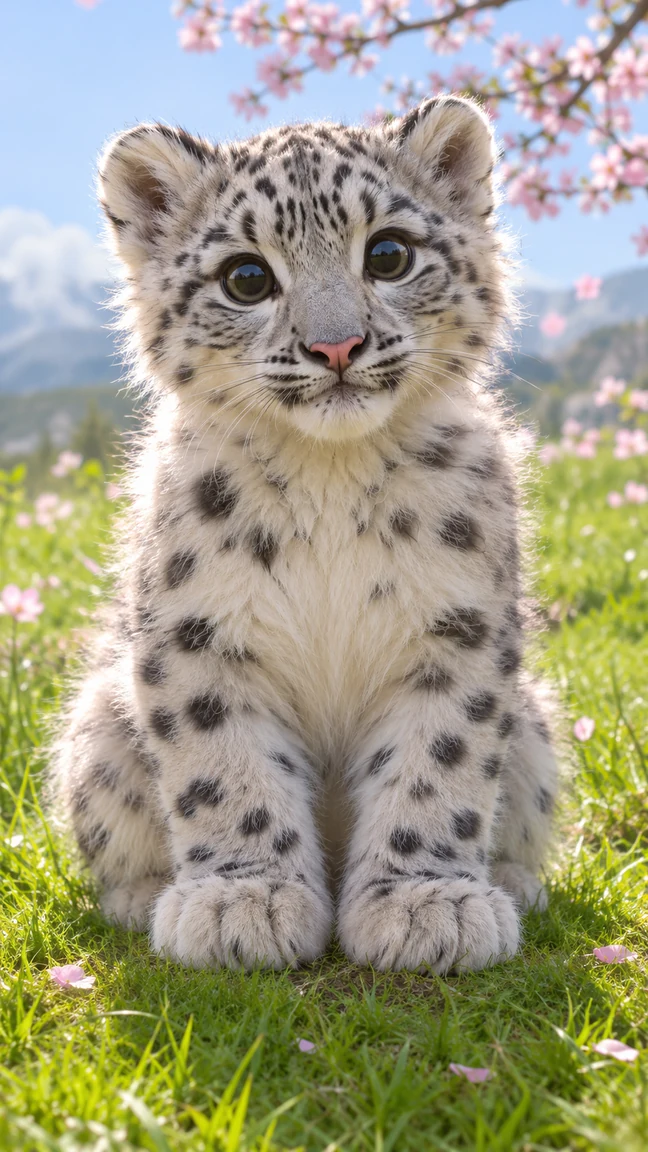
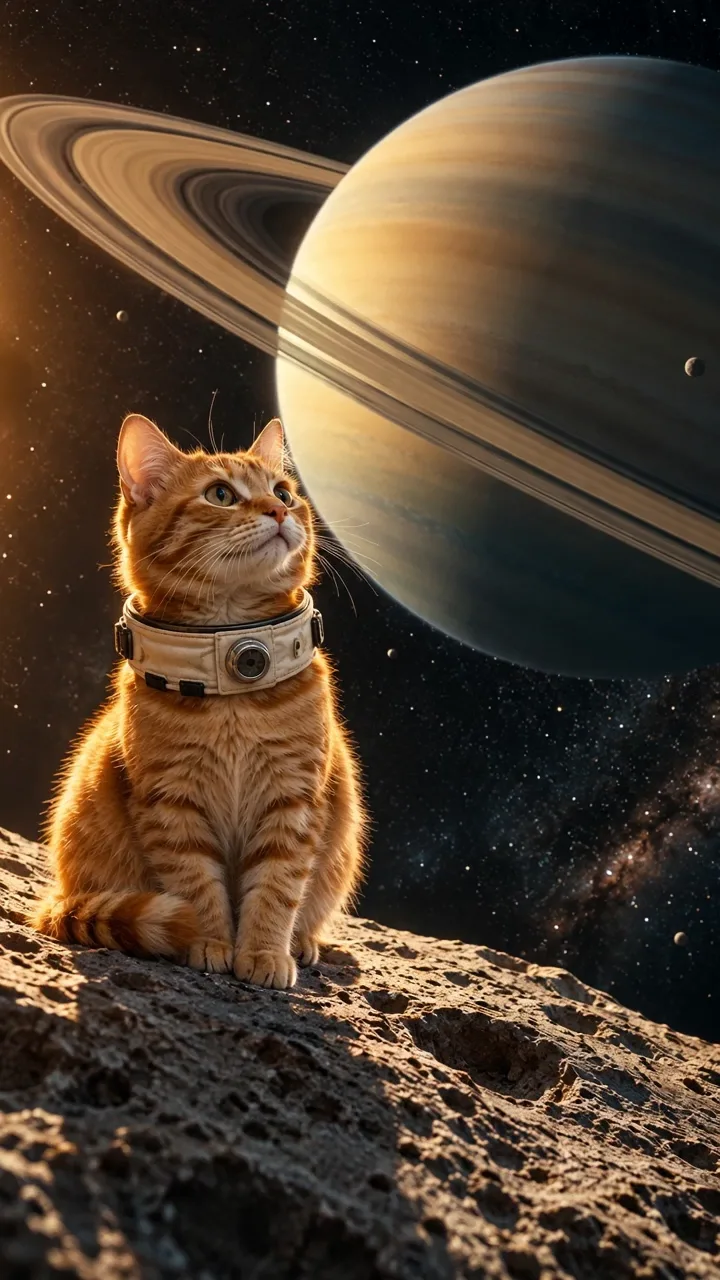
Compare original AI-created pet photos with their generated clips. Keep familiar fur or try the spotted snow leopard look.
The ginger cat keeps its orange-and-white coat and amber eyes.
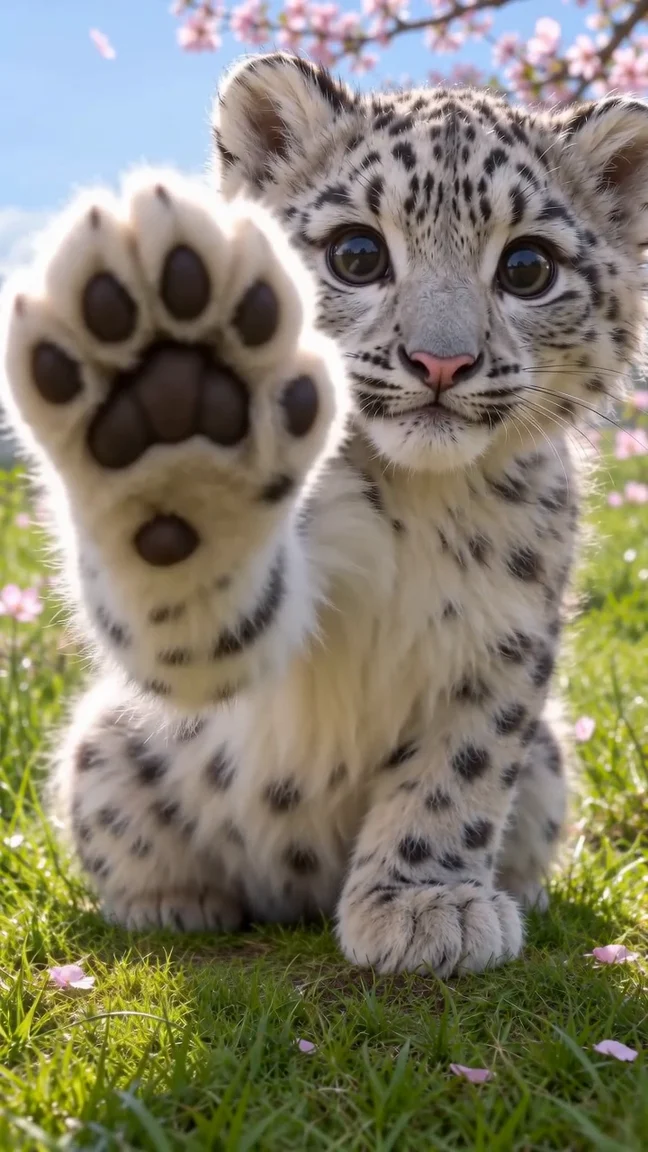
The same pet photo becomes a snow leopard AI video with a spotted body and familiar face.
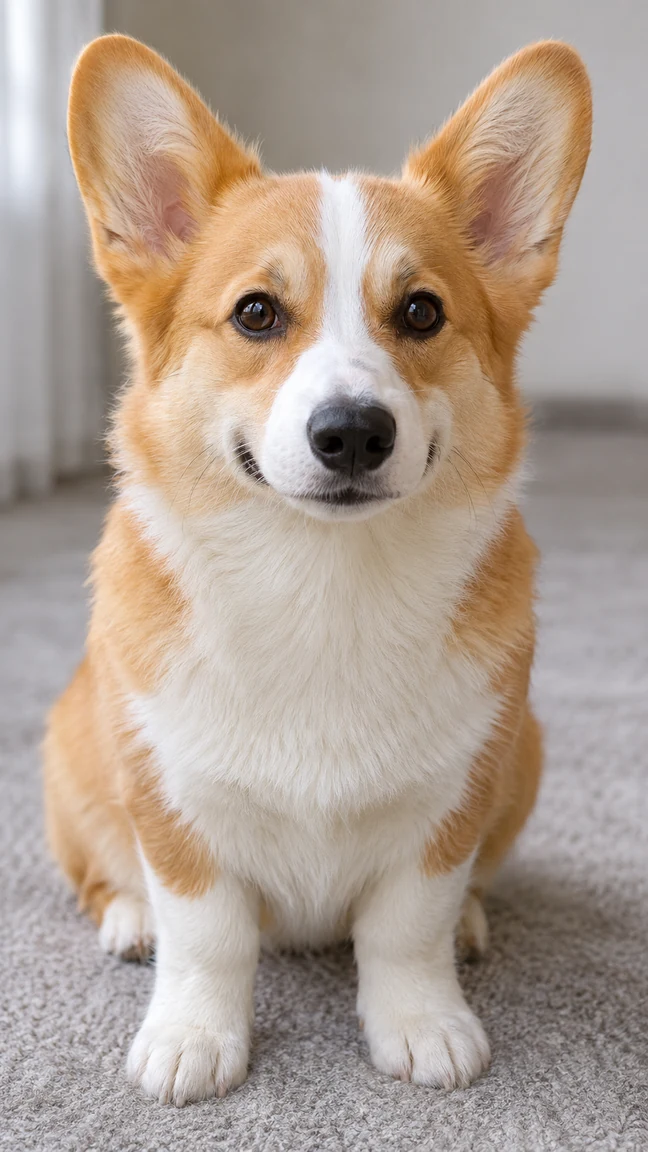
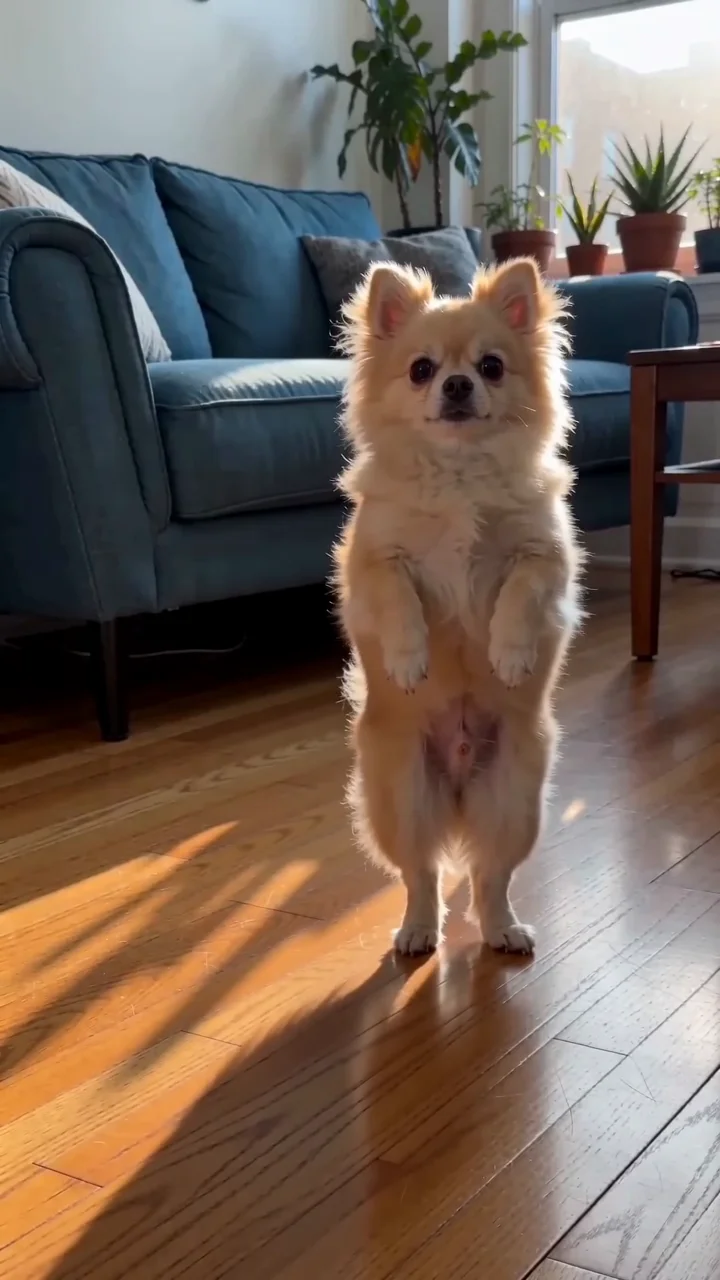
The corgi pet photo keeps upright ears and a white blaze in this snow leopard meme.
The snow leopard meme is all about the approach. Replay a moment to see the face, the reach and the soft paw pads.
A quiet look straight at you.
One front paw lifts toward the lens.
Soft pads fill the foreground.
The paw lowers and the eyes blink.
The Snow Leopard Paws AI Video Generator makes a six-second portrait clip from one cat or dog photo. A prepared sequence asks the animal to look toward you, extend one front paw, tap, lower it and blink. Your result is a new fictional scene, not footage of your pet performing the action.
The Deadlock fan-art post “Paws at you (Leaping Slash)” shows the raised-paw composition with another character: paw pads face the viewer, with the face behind them. Use that front-facing paw and unobstructed face as framing cues when choosing a pet photo.
Know Your Meme’s Snow Leopard Paws at You entry describes the reaction-image format: enlarged eyes, a paw reaching toward the viewer and the “paws at you” caption. Keep the face readable behind the near paw so the expression survives in a small portrait preview.
Kursiv Lifestyle’s illustrated report on the paws at you meme (in Russian) discusses its use for invitations, friendship and character variations. That gives you a caption direction: address the viewer with a short invitation. Copy Caption provides a suggested line to add after generation.
Use a sharp, authorized photo of one cat or dog facing roughly toward the camera. A full-body photo with a clear face and visible paws gives the generator more detail to work from. Crop out other animals and people beforehand. Static JPEG, PNG or WebP files must be at most 10 MiB, at least 300 pixels per side and no more than 36 million pixels total. Basic accepts up to 9 photos and Pro up to 30. The first photo is the primary subject reference; use other views of the same pet for supporting detail. This template does not accept your own video reference.
Both looks use the photo to guide the pet’s face, body shape and paws. Snow Leopard Look requests a silver-white spotted coat on the same pet. My Pet’s Fur requests the original coat and markings. Compare the paired examples.
If a pet photo is rejected, check the file requirements. If the connection drops, inspect the original task before retrying; a slow response alone does not establish failure.
Runway’s image-quality guide explains how blurry input details can become more visible in motion. Check the eyes and paw pads at full size before choosing the pet photo.
Choose this template when you want the paw-reaching sequence without preparing a motion reference or writing an animation brief. Choose familiar fur or a spotted transformation from one pet photo. The cat and corgi pairs above show actual examples made with this workflow using original AI-created input photos, rather than reposted trend footage.
You can inspect those examples and the current quote before committing. Examples show scope, not identical future results. AI can change eyes, markings, paw shape and tap timing; a seamless loop is not guaranteed. For a different snow leopard meme interpretation or exact editing, plan a separate workflow.
Before sharing a lifelike paw-reaching clip on TikTok, apply its required AI label. TikTok’s AI labeling guidance covers realistic AI-generated content, including fictional scenes.
Choose the right workflow
Snow Leopard Paws makes a six-second, 9:16 clip of one cat or dog reaching a paw toward the viewer. Choose familiar fur or a snow-leopard coat.
At least one photo is required; Basic accepts up to 9 and Pro up to 30. The first photo is the primary subject reference, with other views as supporting detail. The template supplies its motion reference, which you cannot replace with your own video. Keep the subject and limbs clearly visible.
Both use your pet photo. Snow Leopard Look requests a silver-white spotted coat; My Pet’s Fur requests familiar coat markings. Switching looks keeps the selected photo, but exact likeness is not guaranteed.
No exact match is guaranteed. Appearance, motion, lettering and audio can vary. Start with a clear source and one simple action, then inspect the entire finished clip before sharing or buying another attempt.
Prepare and generate
A cropped image cannot reliably supply unseen limbs or clothing. For whole-body movement, choose a sharp full-body photo with visible hands or paws and space around the subject; results can still vary.
Prepare and generate
The template supplies the motion sequence. Your photo guides the subject; choose an available style and output setting. There are no independent background, camera-path or per-second motion controls, and exact timing is not guaranteed.
The clip stays six seconds and 9:16. Choose Basic at 480p/720p or Pro with 1080p available. Gentle taps and ambience are optional; a user soundtrack or longer output is not offered.
No supplied song or embedded caption. The optional sound setting requests gentle taps and ambience; sound and synchronization can vary. Copy Caption copies text for your editor or posting app. Turn sound off in Video settings to request silence.
Accounts, credits and task status
The creation area shows the current quote. Tier, output length, resolution and reference-video duration affect it; prepared template references can also count. Recheck the total after changing settings. Video Credit Guide
Save, share and protect your media
Open the completed task in the creation area or My Videos, play the result and use Download. Save your own copy for later editing or posting. Samples are examples, not your personal task output. The download is an MP4 file. My Videos
TraditionalEffort282: Paws at you (Leaping Slash) — Creator’s fan art showing the paw facing the viewer and the face behind it.
Know Your Meme: Snow Leopard Paws at You — Reaction-image format, large-eye expression and character redraws.
Kursiv Lifestyle: the paws at you meme — Illustrated Russian-language report on the reaching-paw image and invitation captions.
Try a different scene or a playful dance with a clear photo.