What is the Paloma Blanca AI dance generator?
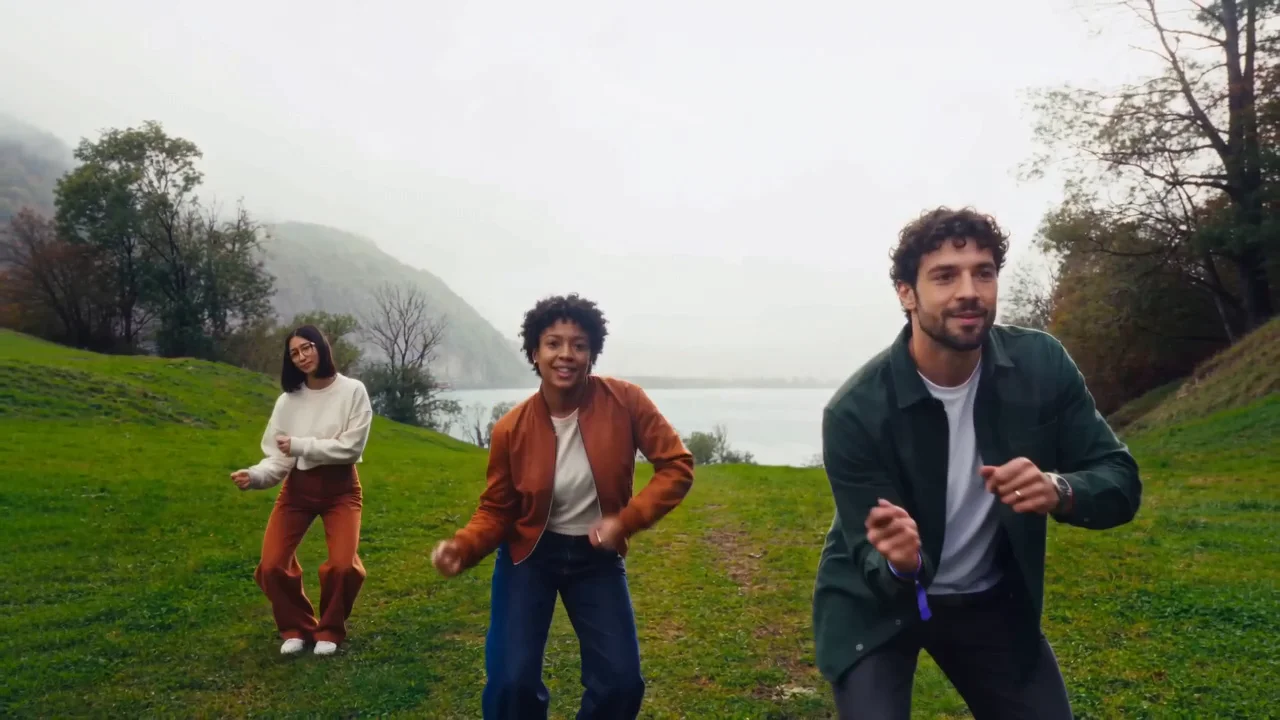
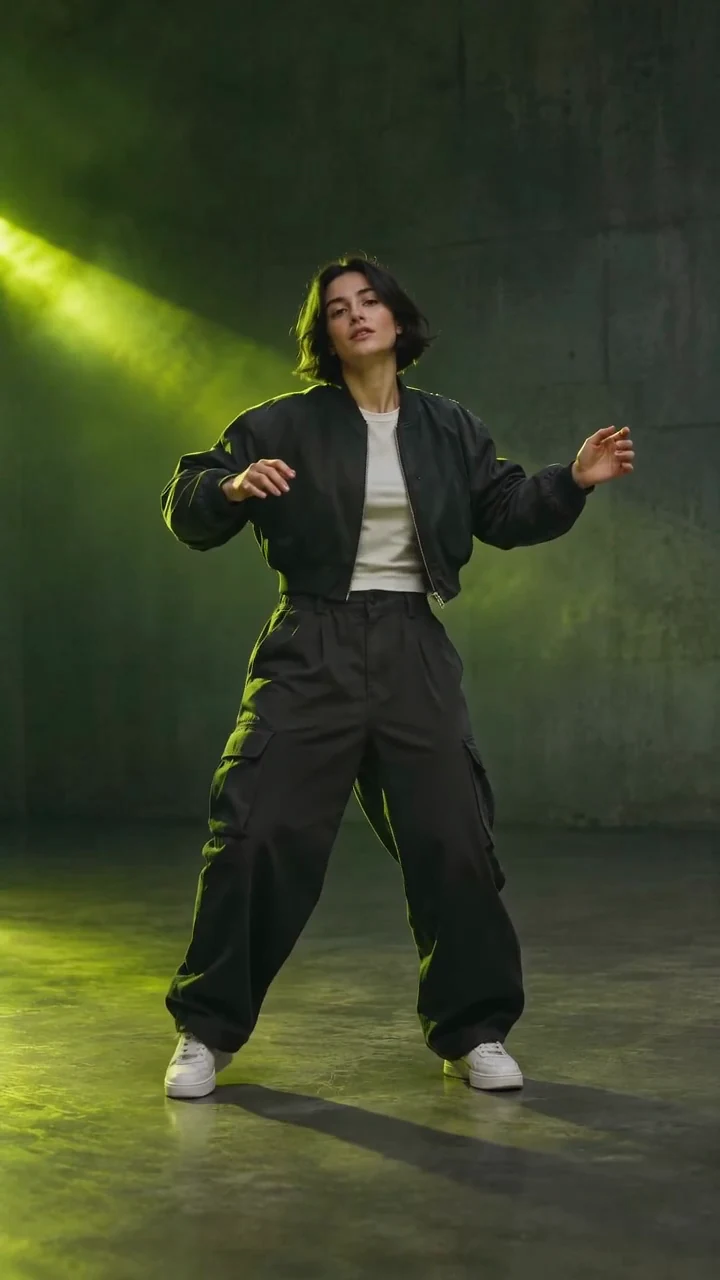
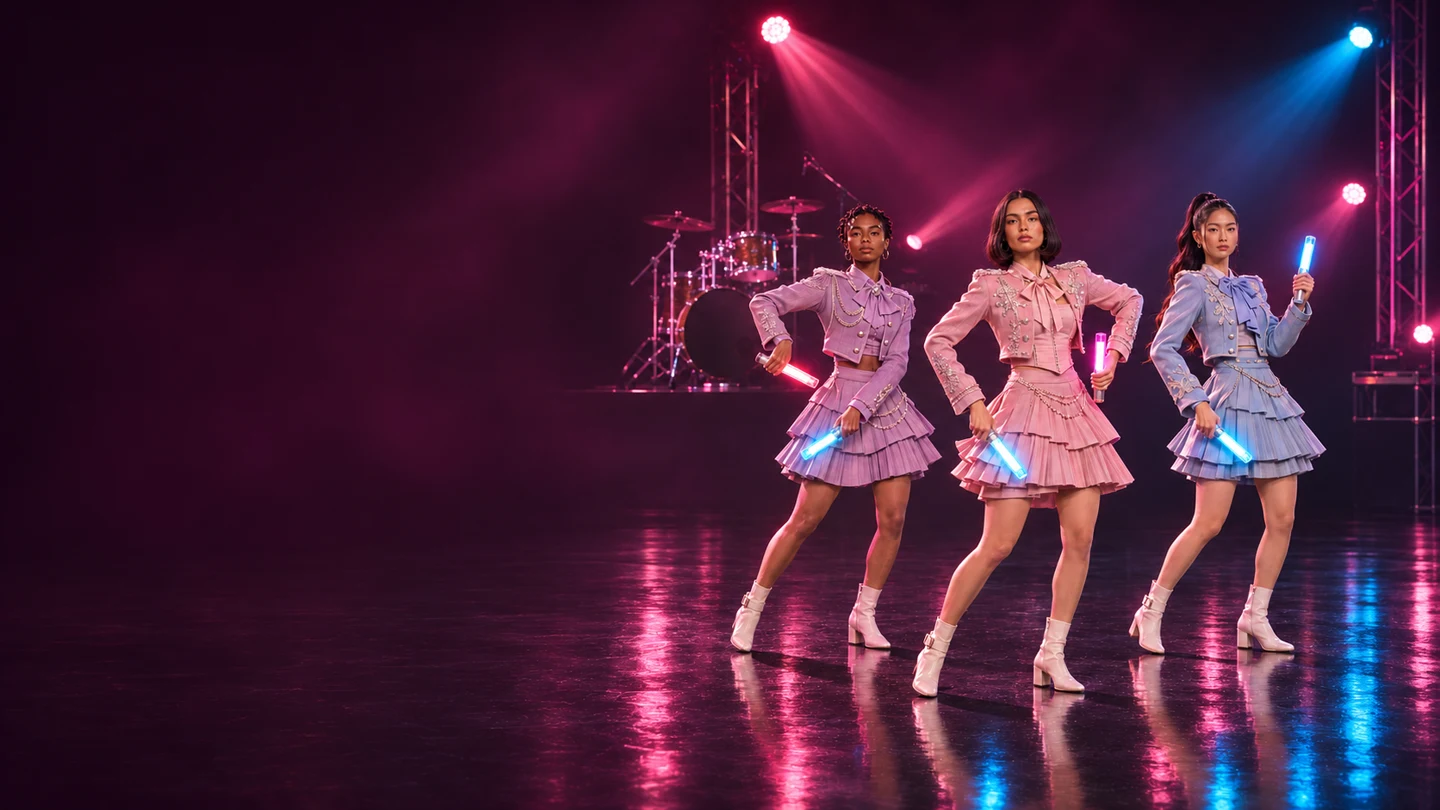
The Paloma Blanca AI Dance Generator casts your photos in a trio dance. Each photo guides a dancer’s face, hair, build and outfit. One photo replaces the center dancer from head to toe. Two more can personalize the full trio. Download the AI dance video as an MP4 with the template soundtrack or with sound off.
The Paloma Blanca dance takes different forms in creator videos. Avantgardey’s performance shows a synchronized group moving in formation. In the Hoodie Fam and Happy Kelli version, one dancer breaks out into the foreground with a raised-knee step. The Paloma Blanca Challenge animation by 힙합 김수용 puts stylized characters in a live-action setting. This template focuses on the trio dance with small weight shifts and matched arm movements.
How to make a Paloma Blanca dance from photos
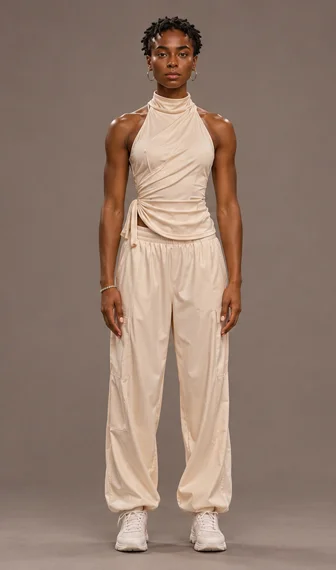
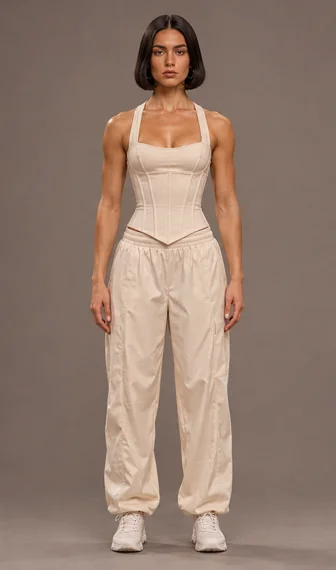
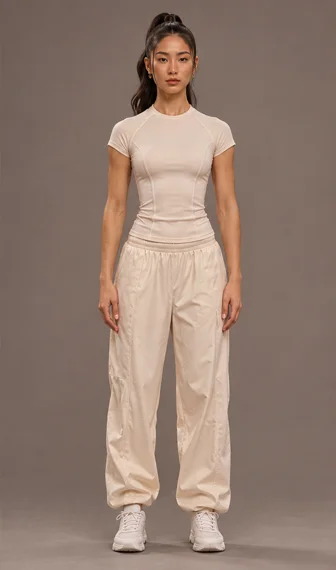
Use one photo per person for the Paloma Blanca AI dance. Choose a sharp full-body shot with a clear face, visible outfit and even lighting. Include only yourself or adults who agreed to appear.
The Paloma Blanca AI Dance Generator includes an 11-second vertical dance reference. Basic and Standard output an 11-second clip in 480p or 720p. Pro chooses the framing and length automatically and also offers 1080p. Sign in to generate and check the credit quote before starting.
Upload the center dancer. In the trio dance, the lead starts at Center. Choose a JPG, PNG or WebP up to 10 MiB. On desktop, Add from Phone sends a photo into the next open slot.
Add side dancers. Left and Right follow the opening pose in the dance reference. Fill either side to add one friend or both to personalize the trio dance. Empty side slots use the preset performers.
Choose your model and generate. Select Basic, Standard or Pro. Open Video settings to choose the resolution and turn the template soundtrack on or off. Check the quote and select Generate Video. Sign in or add credits if prompted.
Review and save. Watch the full AI dance video and check the three faces. Save the MP4 using Download Video, or use Download to Phone from a desktop.
Why choose the trio dance template?
A fixed dance reference lets you make a Paloma Blanca AI dance with a recognizable routine and change the cast between takes. To use your own dance reference, start with the AI Dance Generator.
For a Paloma Blanca dance with friends, choose three photos with clear features and visible outfits. The dance reference guides the stage, choreography and colored glow sticks. When you watch the clip, follow each dancer through the steps and compare the first and last beats. Check that the cast and outfits stay consistent and each glow stick stays in the correct hand.
To edit the Paloma Blanca dance with your own soundtrack, mute the export and match a glow stick hit or landing to the beat in your editor. YouTube lists vertical and square uploads as eligible Shorts formats under its duration and upload rules. If a realistic AI dance video makes someone appear to do something they did not do, use the platform’s disclosure controls. For promotional TikTok posts, check TikTok’s Commercial Music Library guidance before choosing audio. YouTube Shorts formats · YouTube AI disclosure · TikTok commercial music
Frequently asked questions
How many photos does the Paloma Blanca AI Dance Generator need?
Start with one photo for the center dancer. Add a photo to either side for two personalized dancers. Add three photos to change all three dancers. The trio dance always includes three performers.
How do I assign photos to dance positions?
Upload each person into Left, Center or Right as seen by the viewer at the start of the AI dance video. You can open a photo preview or replace a photo before you submit.
Can I use a group photo?
Choose one clear adult per photo. If your starting image is a group picture, crop a separate image of each person who has agreed to appear in the Paloma Blanca dance.
What happens if I leave a photo slot empty?
Center needs a photo. The Paloma Blanca AI Dance Generator fills empty left or right slots with the preset dancers.
Does the template follow the dance in the preview?
The built-in dance reference guides the stage, formation, choreography and props. The photos guide the replacement dancers’ full appearance. AI dance video results may vary in the exact steps, likeness, outfit details and small parts of the scene.
What is the best photo for each dancer?
Choose a sharp, evenly lit photo with a clear face and little to obstruct the hair or features. A full-body photo with both feet in frame makes it easier to see the pose and outfit.
Does the clip use the template soundtrack?
With sound on, the clip uses the same soundtrack as the built-in dance reference and the preview. Turn sound off to export a silent MP4.
How much does it cost to generate?
The composer shows your credit quote before you generate the Paloma Blanca AI dance. A confirmed failed generation follows the service’s credit return flow. A new attempt after a completed render is a separate generation.
Why does a dancer’s appearance change during the dance?
Turns and overlaps in the dance reference can make faces or clothing details shift. A brighter, front-facing full-body photo shows the model more of each dancer’s appearance.
Can I download on my phone?
Yes. Download the vertical MP4 directly on mobile. If you created your AI dance video on desktop, use Download to Phone on the finished result.
Sources
- Avantgardey’s Paloma Blanca performance shows coordinated steps and formation.
- Hoodie Fam with Happy Kelli shows how a featured dancer can enter from the group.
- Paloma Blanca Challenge animation by 힙합 김수용 shows a character-led interpretation of the dance.
- YouTube Shorts format rules and YouTube’s AI disclosure guidance cover uploading a realistic AI dance video.
- TikTok’s guide to commercial music explains how to choose music for promotional posts.