
Shoulders + hands
Shoulder hits. A wrist flick. Just enough attitude.
NICHE DANCE STUDIO
Your photo. Your signature move.
Choose a short dance, add your photo, and bring it to life.Low-key Groove
Shoulder hits. A wrist flick. Just enough attitude.
Original instrumental groove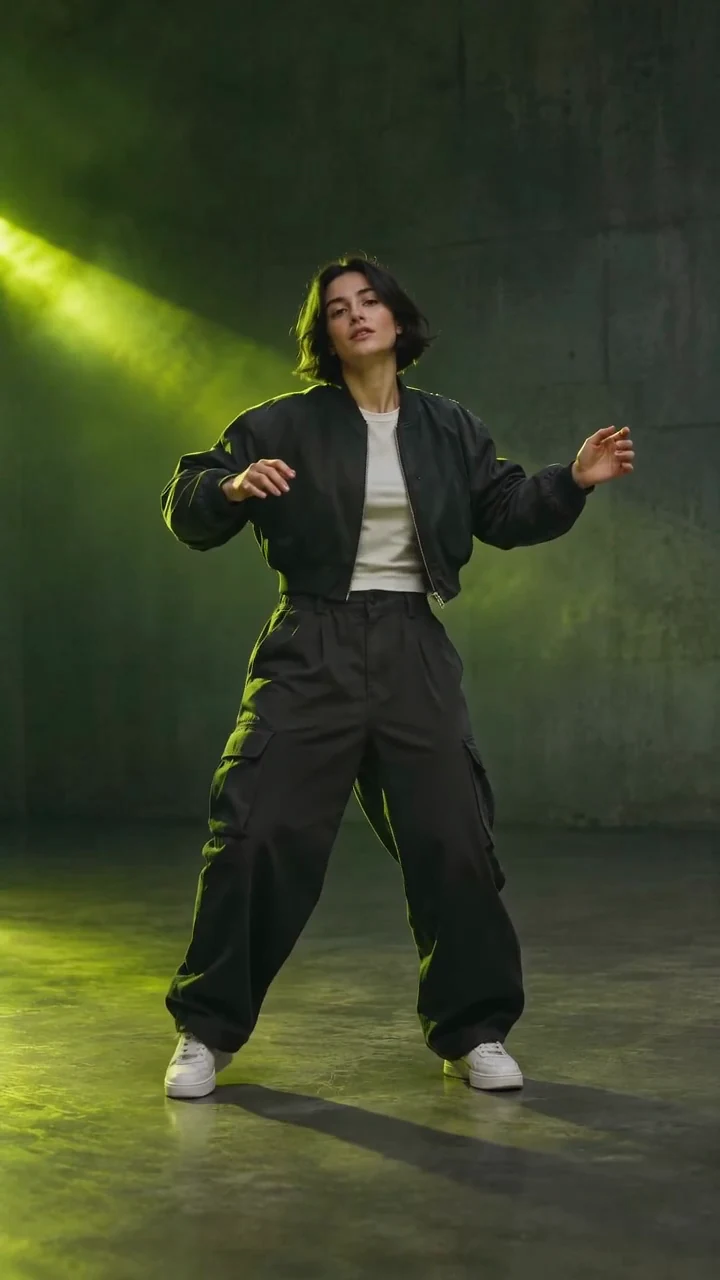
THREE WAYS TO BREAK THE ROUTINE
A shoulder hit, a foot pivot, a clean new angle.
Preview a dance template before you choose.
Shoulder hits. A wrist flick. Just enough attitude.
Compact foot pivots with a relaxed, grounded bounce.
Clean angles and shifting shapes, inspired by tutting.
ONE PHOTO. A DIFFERENT KIND OF ENERGY.
Start with a clear photo and a move you like.
The little details make the dance video yours.
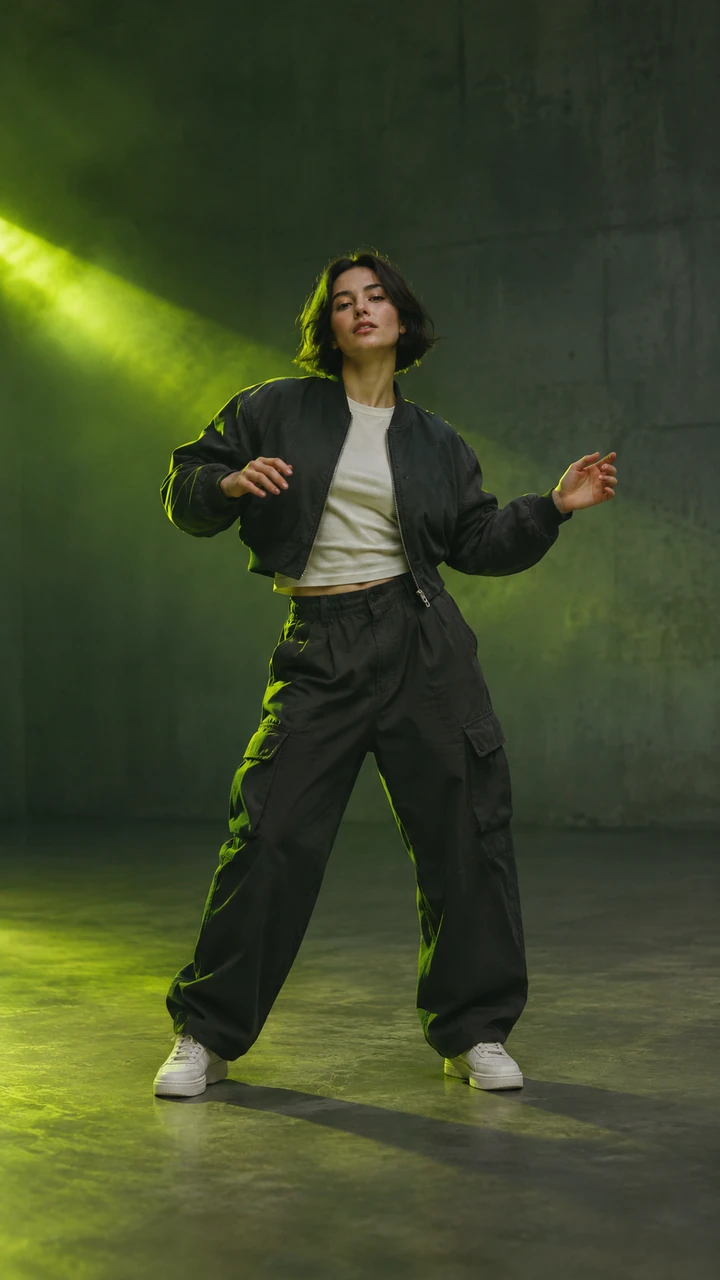
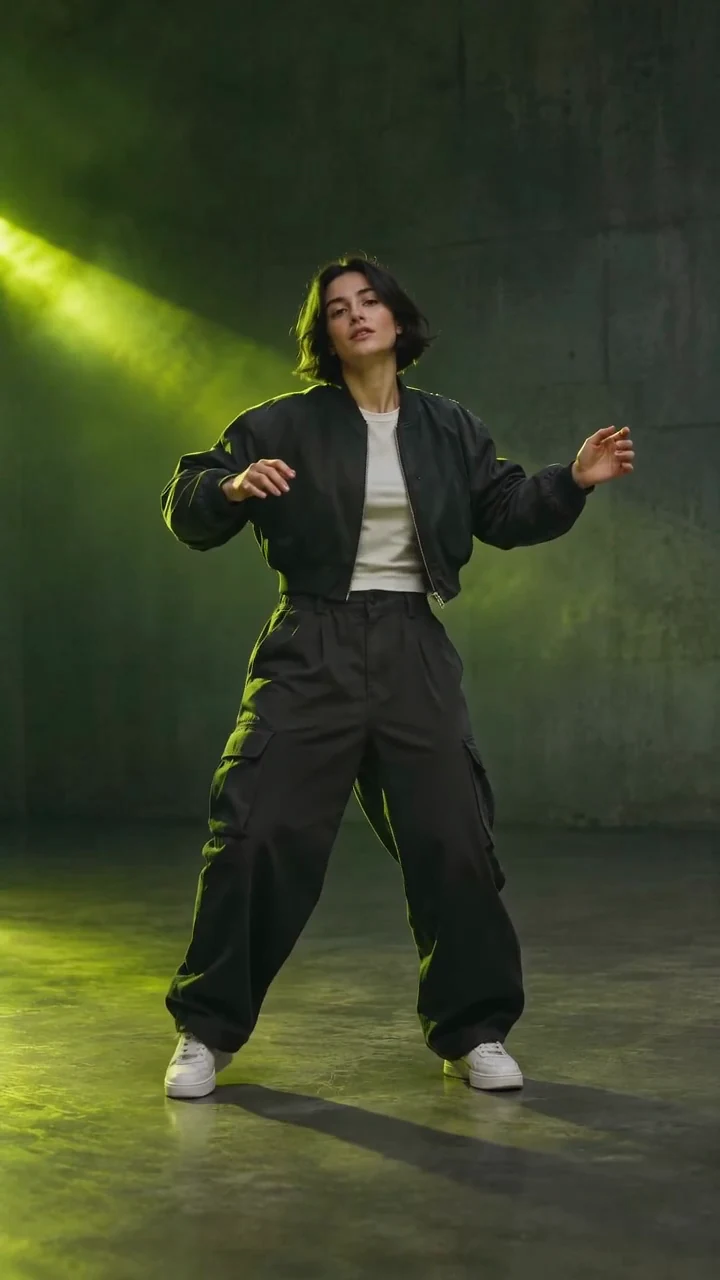
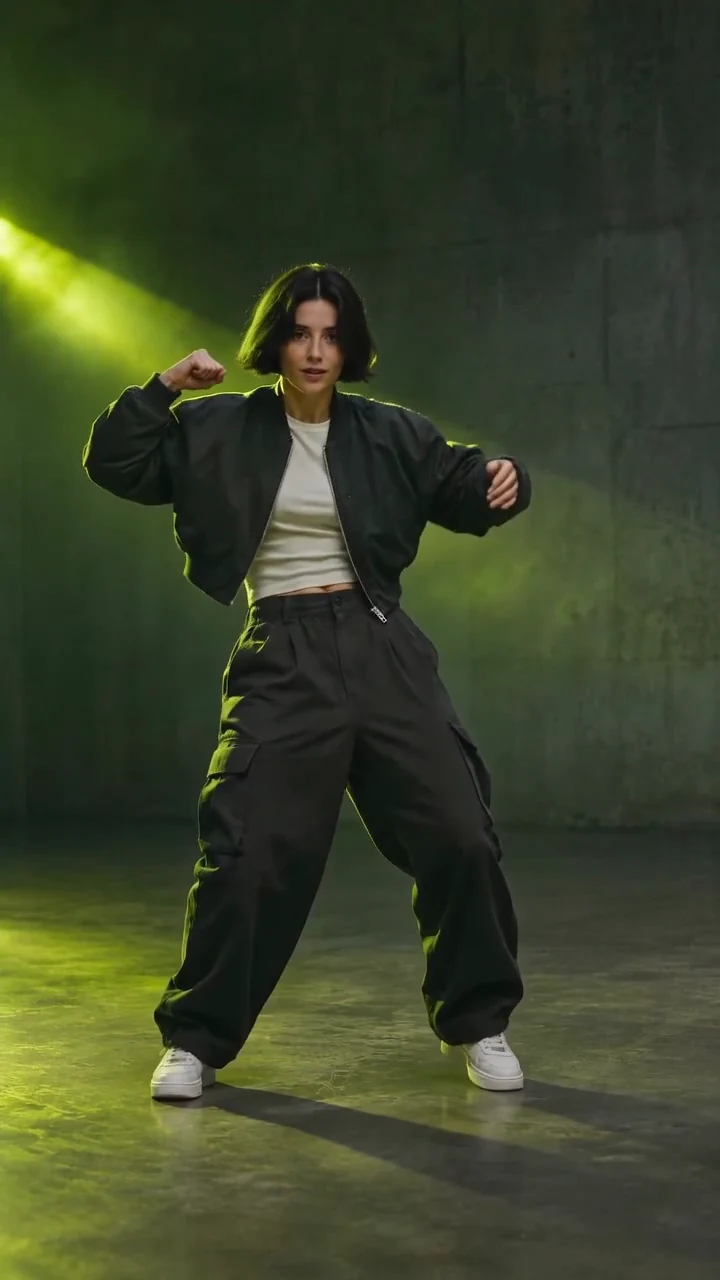
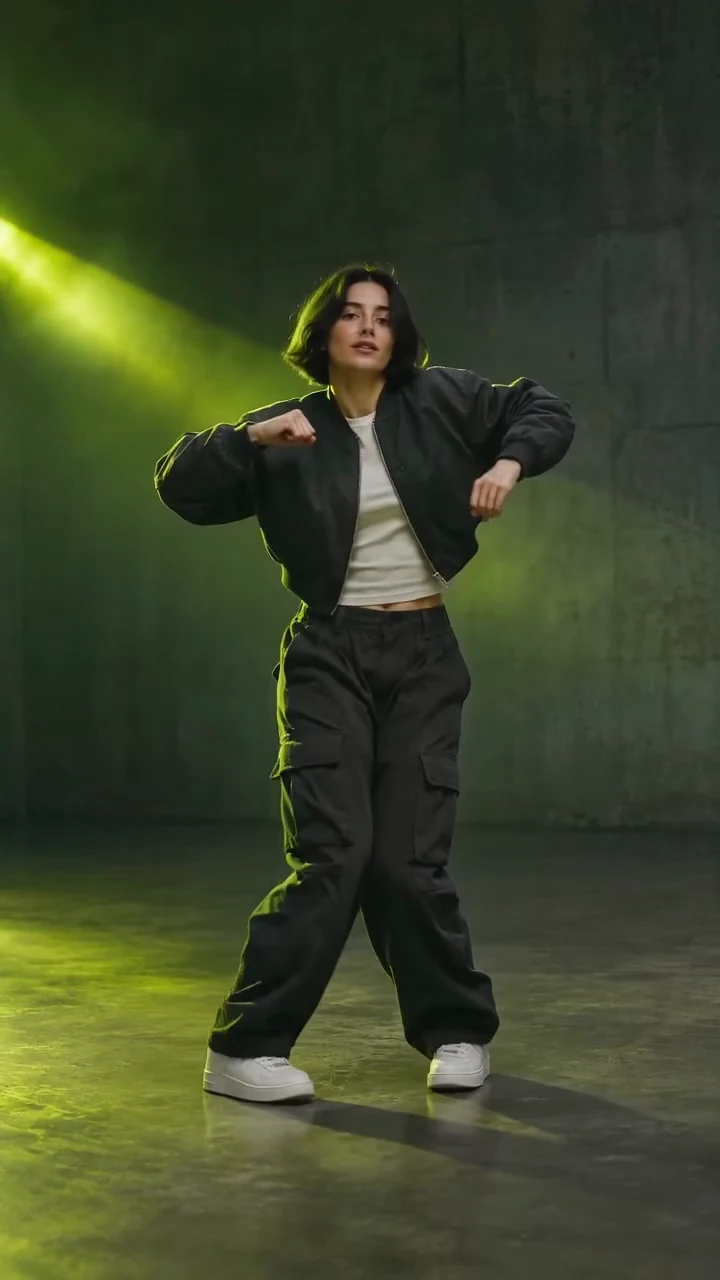
Watch the full move, not just the pose. Check hands, planted feet and facial consistency before you share your dance video.
How to createTHE CREATOR'S NOTES
A niche dance move is an unusual or community-specific movement that stands out through its gestures, rhythm or personality. It does not identify one standardized choreography. For example, alfiscw's niche-labeled performance shows small social gestures. That clip illustrates one niche dance move, rather than defining them all.
This AI dance generator turns your photo into a short performance using one of three dance templates. Low-key Groove emphasizes shoulders and a wrist flick. Heel-toe Bounce puts attention on compact foot pivots. Arm Frames explores geometric forearm shapes. These dance template names describe our creative routines, without claiming a new dance style.
STEEZY's dance move glossary pairs individual moves with demonstrations and teaching resources. Identify an unfamiliar niche dance move by its steps and original creator.
Choose a clear, standing photo of one person, ideally an adult. Show hands and shoes, leaving movement space for the dance video. JPG, PNG and WebP files up to 10 MiB are accepted. A full-body photo gives this dance template more information than a cropped selfie.
Basic targets a six-second vertical dance video and offers 480p or 720p. Pro also offers 1080p and uses automatic duration and framing. Music is optional; the included instrumental reference does not give you a specific chart song or an exact beat-synchronization control. Review the live dance video quote: quality, resolution and the built-in movement reference affect the total.
Choose your movement. Watch the preview and choose Low-key Groove, Heel-toe Bounce or Arm Frames using the move buttons. On desktop, the “Your move” menu also changes the preview. Compare the source photo with its dance video using the motion/photo switch.
Add your photo. Select, drop or try the sample photo. On desktop, “Add from Phone” opens the QR photo workflow. On mobile, select a photo directly. Replacing an existing photo asks for confirmation; receiving a photo never generates a dance video.
Make the creative choices. Optionally describe an expression or setting. Choose Basic or Pro, then check resolution and music in Video settings. The dance template supplies the movement, so you can leave the direction blank.
Review and generate. Check the dance video quote and press “Generate my dance.” Sign in and obtain enough credits when prompted, then submit again. Closing either access dialog preserves the draft. Signing in or buying credits never starts generation.
Check and save. Preview the completed dance video. Check face, hands, feet and movement. Download normally, or use desktop download-to-phone. Mobile downloads directly. Add platform music afterwards if needed.
While a dance video is checking or saving, keep its existing task. A confirmed failed generation returns task credits under the credit return policy; slow connections and disappointing artistic results are not automatically failures.
Choose this AI dance generator when you want a short, character-led dance video without writing a choreography prompt. Each niche dance move has a visible example and a ready movement reference. Compare shoulders, footwork and arm shapes before spending credits. Inspect the photo to video transformation beside its source.
Prepare a dance video on your computer, transfer photos from your phone, then download the result to your phone for publishing. The live dance video quote helps you weigh quality against credits. These controls simplify preparation; they cannot guarantee virality or an exact reproduction.
For an exact routine from your own footage, use the AI dance generator with a suitable reference instead. For a fast dodge and crossing steps, explore Shan Shen Bu AI Dance. This niche dance move collection focuses on three short performances.
A successful photo to video transformation should keep the subject recognizable while producing readable movement. Watch shoulder and hand accents in Low-key Groove, grounded foot pivots in Heel-toe Bounce, and clear arm shapes in Arm Frames. The Art Gallery of South Australia's tutting activity explains arm, hand and finger geometry, the idea behind this dance template.
AI animation can alter details or produce imperfect joints. A dance video is not motion capture or a dance lesson. For clearer movement, try a simpler background and fewer overlapping limbs. Each new dance video uses a new quote; changing the photo cannot repair a completed file. Use only photos you are permitted to animate, and review the privacy policy before uploading personal images.
Is “niche dance move” the name of one dance?
No. A niche dance move is an informal description of a distinctive or community-specific movement. Our three labels describe creative presets. They do not establish a dance's origin or replace the names of recognized styles.
Choose Low-key Groove for shoulder and hand accents, Heel-toe Bounce for small foot pivots, or Arm Frames for geometric arm shapes. Preview each dance template to choose the movement you want.
Can I make a dance video with just one photo?
Yes. This dance template requires one JPG, PNG or WebP photo up to 10 MiB. A clear full-body image with visible hands and shoes helps avoid missing-body guesswork. You can use the sample photo to try the workflow.
Can I upload my own dance reference or change the choreography?
This niche dance move tool uses its selected built-in routine. Creative direction can guide appearance or setting, but cannot promise exact new choreography. Use the general AI dance generator for your own reference video.
What length and quality will my dance video have?
Basic targets six seconds in 9:16 at 480p or 720p. Pro supports 480p, 720p and 1080p, with automatic duration and framing. Check the selected settings and quote; Pro output may differ from the six-second demonstration.
Turn Include music on to use the original instrumental groove as an audio reference, or turn it off for a silent dance video. This dance template does not offer song uploads or guarantee exact beat matching. You can add permitted music after downloading.
Generation requires sign-in and enough credits. The current quote appears beside the generate button and updates with your settings. View available credit purchases on the pricing page. Closing the access dialog keeps your photo and draft.
What if generation fails or I dislike the movement?
A confirmed failed task returns credits according to the credit return policy. A completed dance video with an artistic result you dislike is not automatically a failed task. Inspect the result and contact support for missing outputs, technical faults or billing concerns.
How do I use photos and download videos on my phone?
Desktop provides Add from Phone for QR photo upload, plus Download to Phone for a finished dance video. Follow the shared transfer dialog. On a phone, choose a photo and download directly; you do not need to scan your own screen.
Can I post the dance video to TikTok or Reels?
Download the clip and upload it through your chosen platform. Check your rights to the photo and music. TikTok requires labels for realistic AI-generated content, as described in its AI labeling guidance. The generator does not automatically publish or guarantee distribution.
KEEP THE CREATIVE ENERGY GOING
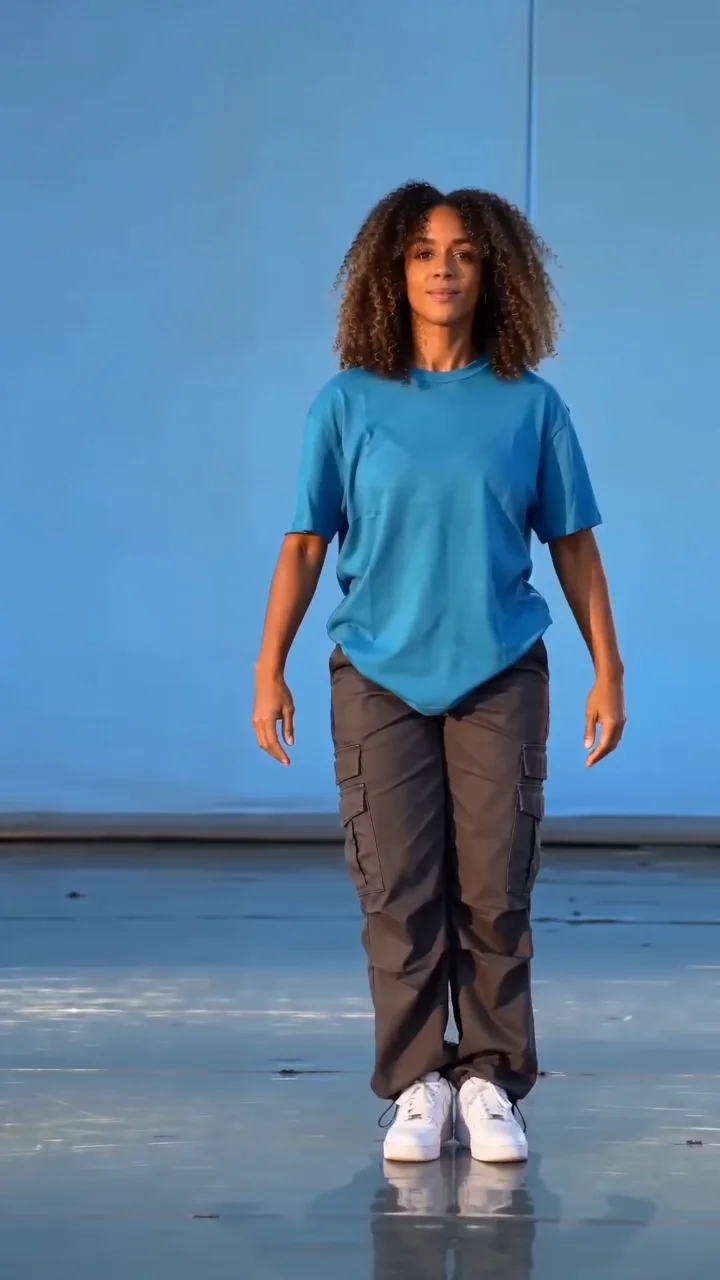 Shan Shen Bu AI DanceExplore a fast dodge and crossing footwork.