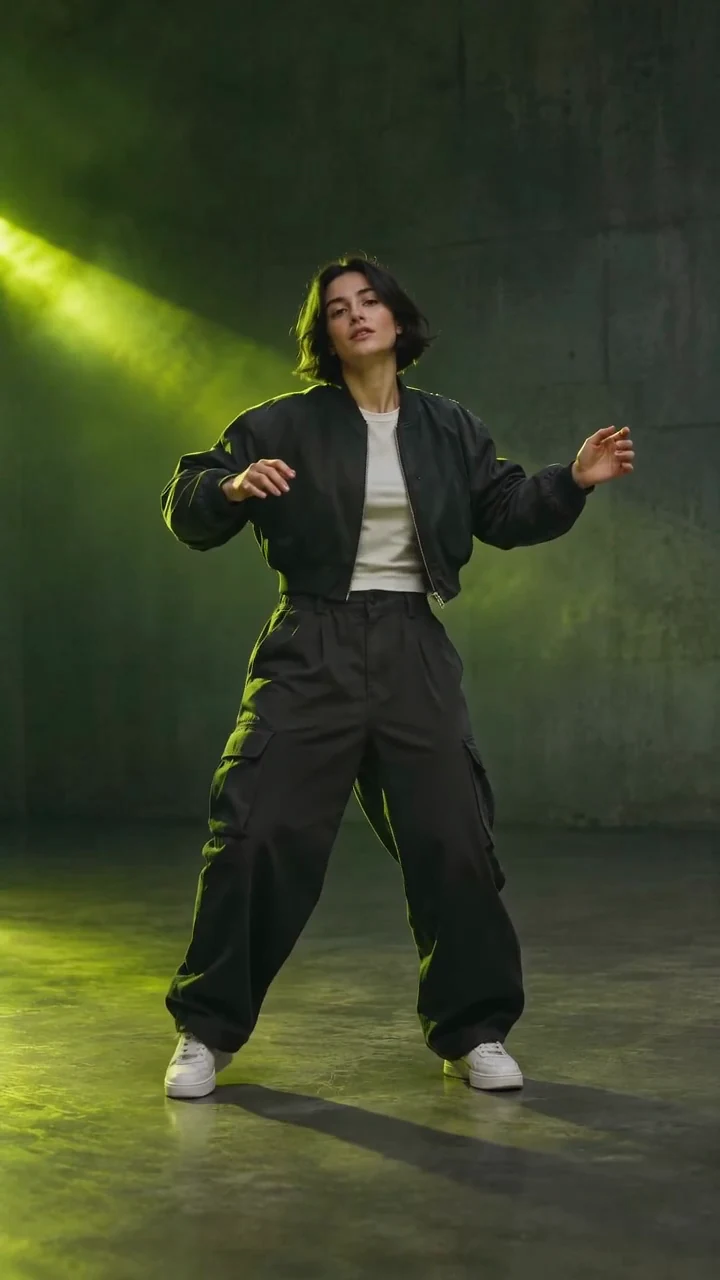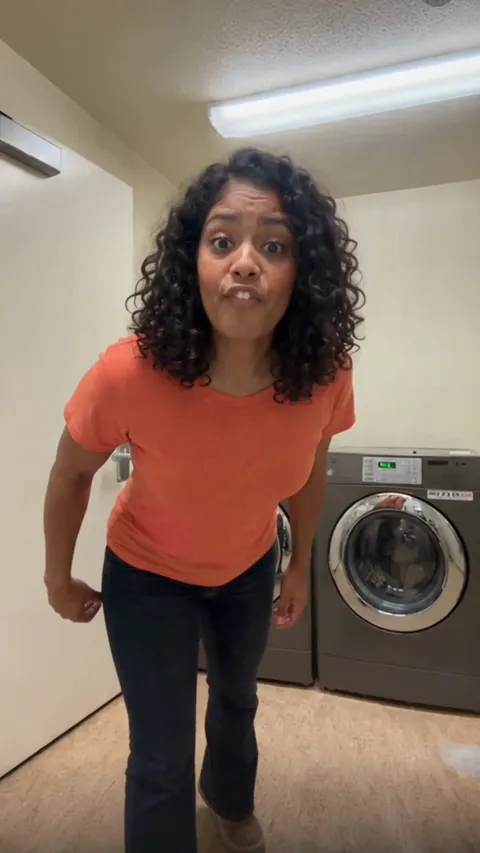
Find Your Groove
A wide opening. Three dancers, one rhythm.
THE LAKESIDE TAKE
You. Your friends. That dance.
The next take is yours.
THE PHOTO → THE PERFORMANCE
One photo puts you in the center with two example dancers. Three separate photos let you cast the whole scene. Keep the upload order left, center, right.
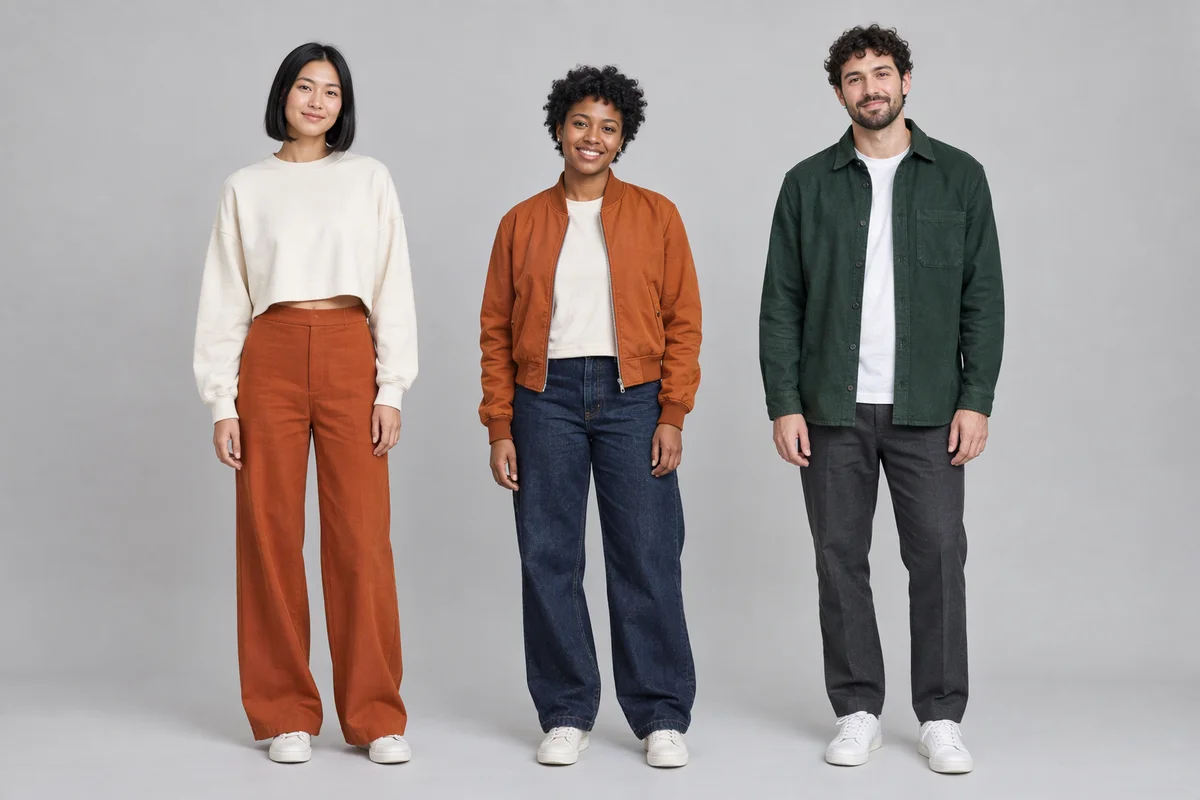
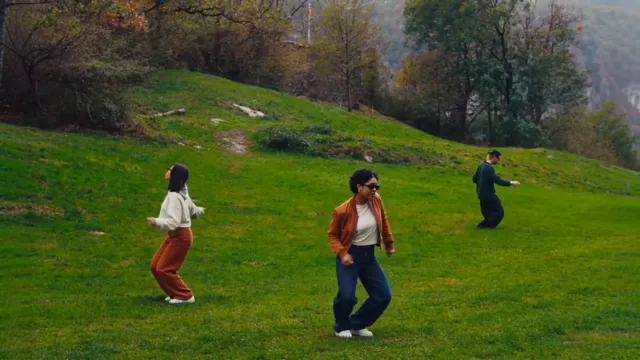
This example was made from the original group portrait shown above. Your uploads replace the selected dancers; identity and movement can vary.
FOUR SHOTS. ONE SHARED BEAT.
The Wassup in a Minute template carries the choreography and camera changes for you. No timeline editing needed.
A wide opening. Three dancers, one rhythm.
Hands and shoulders carry the beat.
Keep your cast together through the cut.
A final shared move beside the lake.
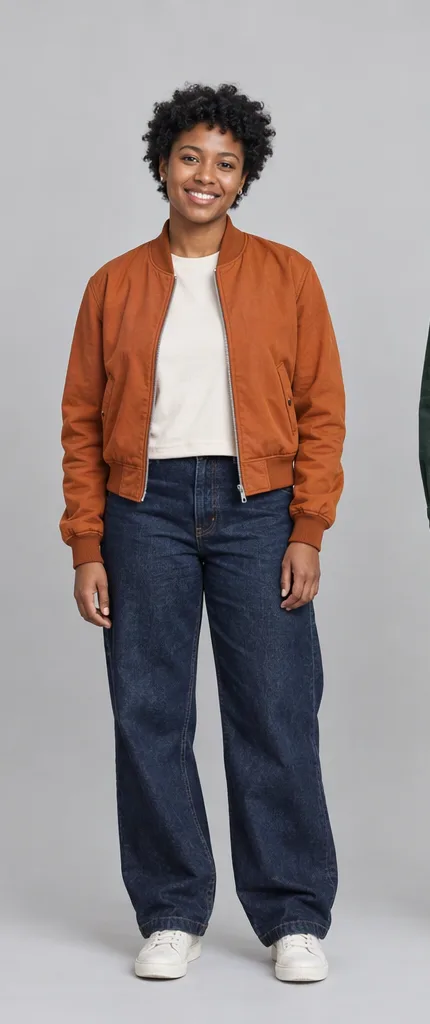 CLEAR FACE. VISIBLE OUTFIT.
BEFORE YOU HIT GENERATE
Use a clear adult portrait without a face-covering filter. A front-facing or slight three-quarter view works best.
For Me + two friends, use Person 1 for the left dancer, Person 2 for the center, and Person 3 for the right. Each photo stays in its chosen position when you replace or remove another. Switching modes keeps your photos.
Show the outfit and upper body in even light. Avoid extreme crops or hands covering the face. JPG, PNG and WebP are supported, up to 10 MiB each.
The Wassup in a Minute AI Video Generator puts your chosen cast into a lakeside dance scene. The template supplies the dance reference, camera sequence and optional soundtrack. You choose who appears in the video and review the result before sharing.
A landscape frame leaves room for all three dancers. When sharing to a vertical feed, preview the platform’s fit or crop setting before posting so the side dancers stay visible. For a different dance style, explore the AI Dance Generator or Niche Dance Move template.
“Wassup in a Minute” and “Wassup Been a Minute” are search names for this dance trend. The music and the lakeside choreography have separate histories; the available posts do not establish a single worldwide first use of the meme.
The directly verified lakeside reference is Niana Guerrero’s “swiss side quest 🇨🇭” Instagram Reel, posted on October 24, 2026. Its caption tags David Vu and Yasmin Hero and credits the mix to @zbeeldn. The three-person lawn setting and camera changes are the visual reference for this template. Our preview uses original AI characters, rather than presenting the creators’ recording as an AI result.
The song underneath the remix is “From Time” by Drake featuring Jhené Aiko, from 2013; hear the official recording on Drake’s YouTube channel. The dance version is identified as From Time (Zbee Remix). A Zburrz / Prodzbee TikTok post, dated January 14, 2026 in its platform metadata, credits its production to the uploader. These sources connect the song and remix, without claiming that the January post started every later dance variation.
A Blue Lock anime variant posted by @ristyisvalid is dated October 22, 2026, before the lakeside Reel. It represents an earlier visible anime branch, not evidence that the lake video came first. An On Zeron frame-breakdown tutorial also names the Zbee remix and demonstrates how creators studied the sequence.
The template’s sound option uses the reference excerpt with the generated dance. Turning it off leaves a silent video. Availability of the music in a social platform’s library and permission for commercial use depend on the platform, account and region; generating a video does not grant music rights.
It is a family of dance edits commonly searched as “Wassup in a Minute” or “Wassup Been a Minute.” This template focuses on the three-person lakeside version: coordinated movement, camera cuts and the From Time remix. Other posts use anime characters or different settings.
The reference we verified is Niana Guerrero’s October 24, 2026 “swiss side quest” Reel, linked above. It features three dancers beside a lake. That identifies this visual source; it does not establish the earliest use of the soundtrack or the whole meme.
The underlying song is From Time by Drake featuring Jhené Aiko. The dance excerpt is associated with the Zbee remix, credited in the lakeside post and the frame-breakdown tutorial. The music section links the original recording and remix evidence separately.
Yes. Choose Just me and upload one clear adult photo. Your person takes the center position while two fictional example dancers remain on the sides. Try a Sample lets you test the input with an example portrait; generation still requires signing in and the displayed credits.
Choose Me + two friends and use the three upload slots: Person 1 is the left dancer, Person 2 is the center dancer, and Person 3 is the right dancer. Use one person per image. You can fill the slots in any order, preview each photo, or replace one without moving the others.
No. Switching between the two modes retains your uploaded photos. Before generating, make the number match the mode: one for Just me or three for Me + two friends. Remove extra photos when returning to the one-person mode.
You can turn the trend soundtrack off under Quality & Sound. This template does not offer a custom music upload. Download the silent result if you want to add a different track in your own editor or a social platform’s music library.
Previewing the example does not use credits. Generating your own video requires an account and enough credits for the displayed quote. The cost depends on quality and resolution and includes the dance reference. See pricing for credit packs; the quote in the form is the price for your chosen settings.
AI can change facial details, blend nearby people, distort hands or miss a beat, especially with obscured faces or tightly cropped photos. Use distinct, clear portraits and inspect the full result. The sample shows one generated result and does not guarantee identical motion or identity preservation for every input.
Yes. Completed results include a normal download button. On desktop, Download to Phone opens a QR code for the same result. On a phone, use the direct download action. Review any platform cropping and soundtrack permissions before posting to TikTok, Reels or Shorts.
KEEP THE MOMENTUM