What is the You Never Let Her Pay AI trend?
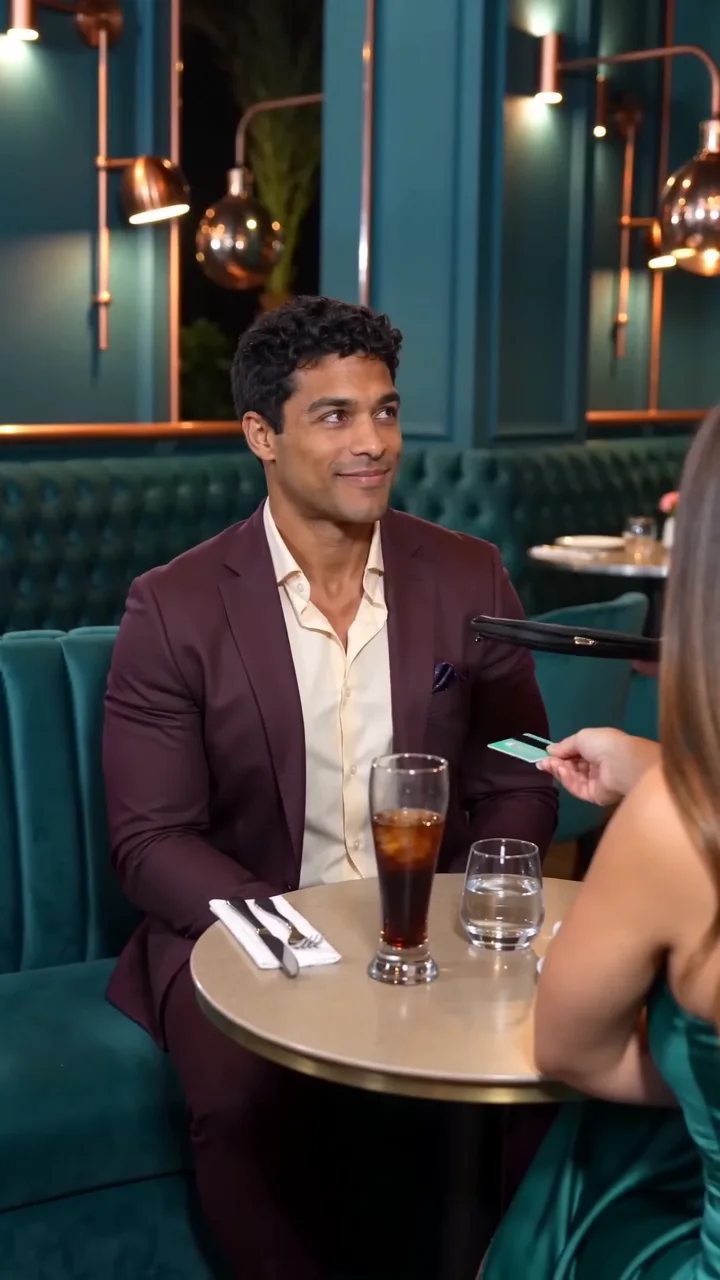
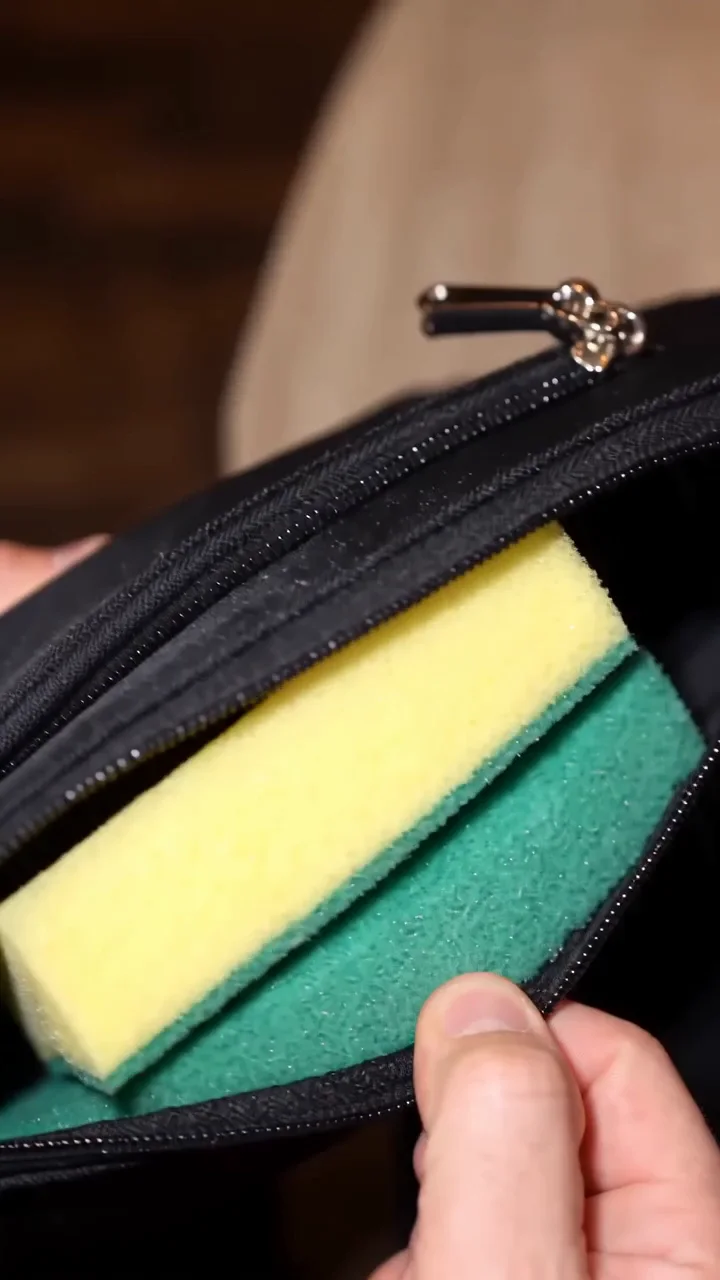
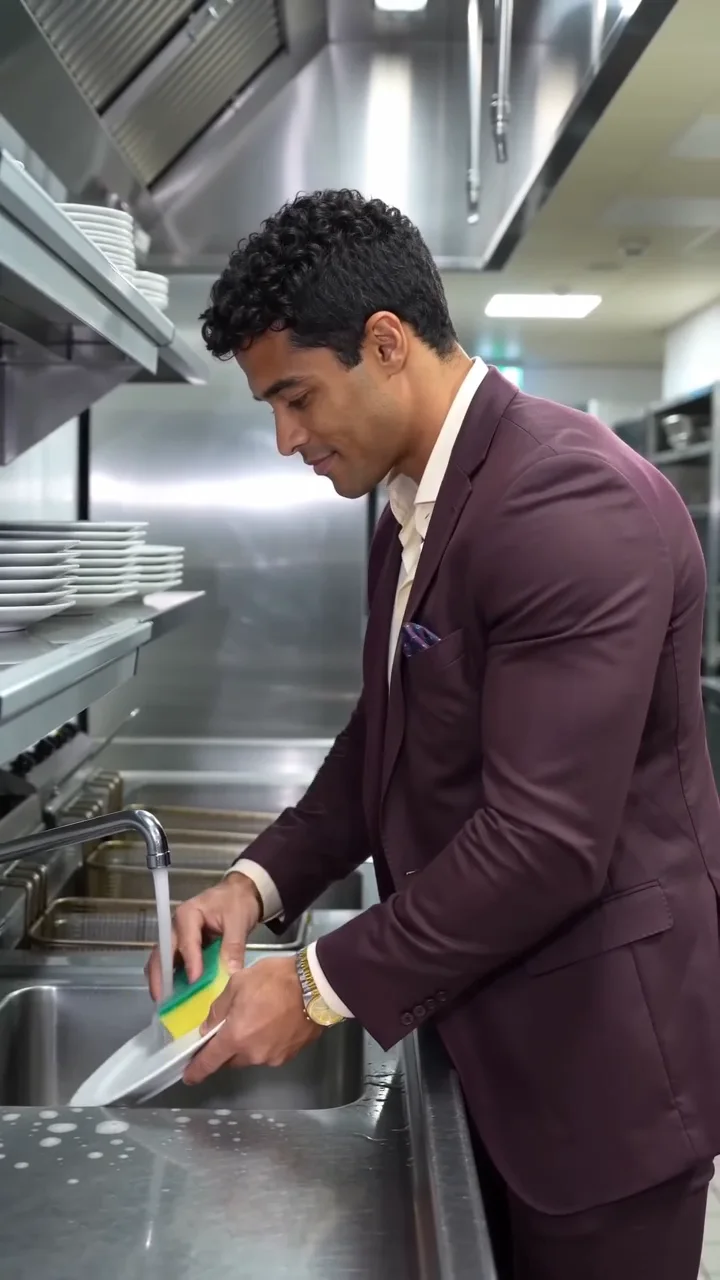
The You Never Let Her Pay AI trend is a dinner-date comedy with a deliberately misleading promise. The diner refuses to let their date pay, confidently opens a pouch, then reveals a kitchen sponge instead of money. The waiter understands the offer and leads the diner to the kitchen. Paying for dinner suddenly means doing the washing up.
This template turns that sponge wallet meme into a short film starring the person in your portrait. The example uses a fictional cast in a teal restaurant, with a black zip pouch, a yellow-and-green sponge and a final shot of the diner scrubbing a plate. Those details make the joke readable even when someone watches without sound. Your photo replaces the main diner; the date and waiter remain supporting characters.
Use it for a playful date-night post, a joke about picking up the bill or a familiar face in an unexpected situation. It is a staged AI scene, not a recording of a real dinner. Choose a different tool if you need to cast both people, animate a pet or edit individual shots: this version supports one adult portrait and a fixed story.
How to prepare your dinner-meme photo
Start with one sharp, well-lit adult portrait. Keep the face unobstructed and leave space around the head and shoulders. A front-facing or slight three-quarter view gives the generator more useful facial detail than a distant group photograph. Avoid sunglasses, heavy beauty filters and a hand covering the mouth. Use a photo you have permission to animate.
The You Never Let Her Pay AI trend form accepts JPG, PNG or WebP images up to 10 MiB. On a computer, upload the file directly or use the phone-upload QR code to send a portrait from your phone. On a phone, choose the photo directly. Try a Sample loads the fictional portrait shown here, so you can explore the controls before deciding which image to use.
The diner wears the template’s plum dinner jacket and ivory shirt. A headshot is enough; you do not need to photograph a restaurant, a wallet or a sponge. Keep optional creative direction about lighting or atmosphere. It does not turn this fixed scene into a shot editor or add another person to the cast.
Make your video, step by step
- Add your portrait. Use the upload area above, then preview the selected image. If you picked the wrong photo, replace it before generating. One photo supplies the diner’s identity throughout the restaurant and kitchen shots.
- Set quality and sound. Choose Basic, Standard or Pro. Basic and Standard use a 12-second vertical 9:16 scene; Pro chooses framing and duration automatically. Open Quality & sound for the available resolution and audio options. The form updates the credit quote for your settings.
- Generate your dinner meme. Sign in and check the displayed quote before starting. The You Never Let Her Pay AI trend includes the scene reference in its cost. Previewing the example is separate from generating your own result and does not use generation credits.
- Check the full story. Watch the opening refusal, the sponge close-up, the waiter’s escort and the sink ending. Check that the same face appears throughout, that hands look plausible and that the sponge stays recognizable. AI can miss an action or change facial details; the preview is one example, not a guarantee for every portrait.
- Download and share. Save the finished video with the download button. Desktop results also offer Download to Phone, which opens a QR code for the result. On mobile, download directly. Check framing in TikTok, Reels or Shorts before publishing, especially if you used Pro’s automatic framing.
A dinner joke with a complete payoff
The You Never Let Her Pay AI trend depends on a clear reveal. A generic empty-wallet shot loses the sponge joke; a kitchen scene without the same diner loses the connection. This template supplies the pouch, readable sponge, restaurant-to-kitchen sequence and washing-up ending together. You can focus on choosing a recognizable portrait rather than writing several unrelated scene prompts.
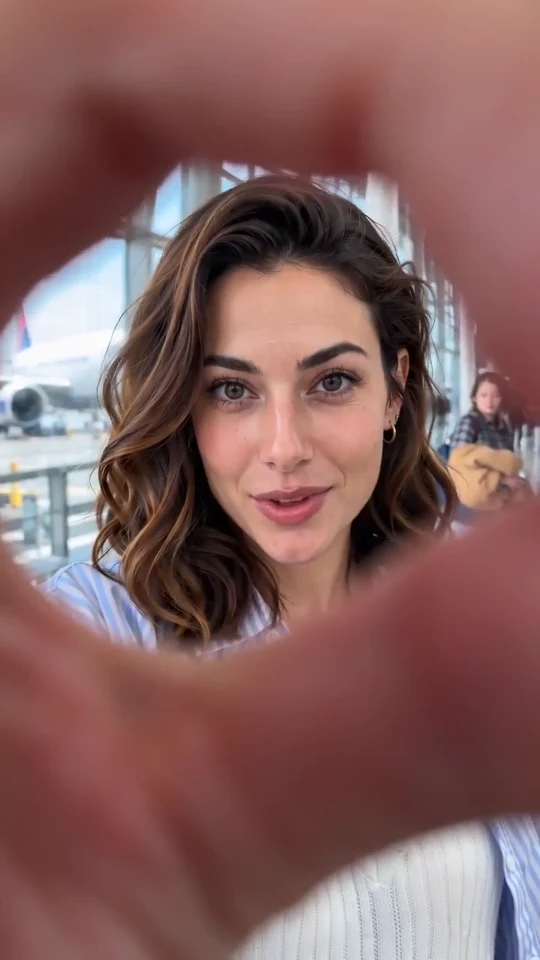
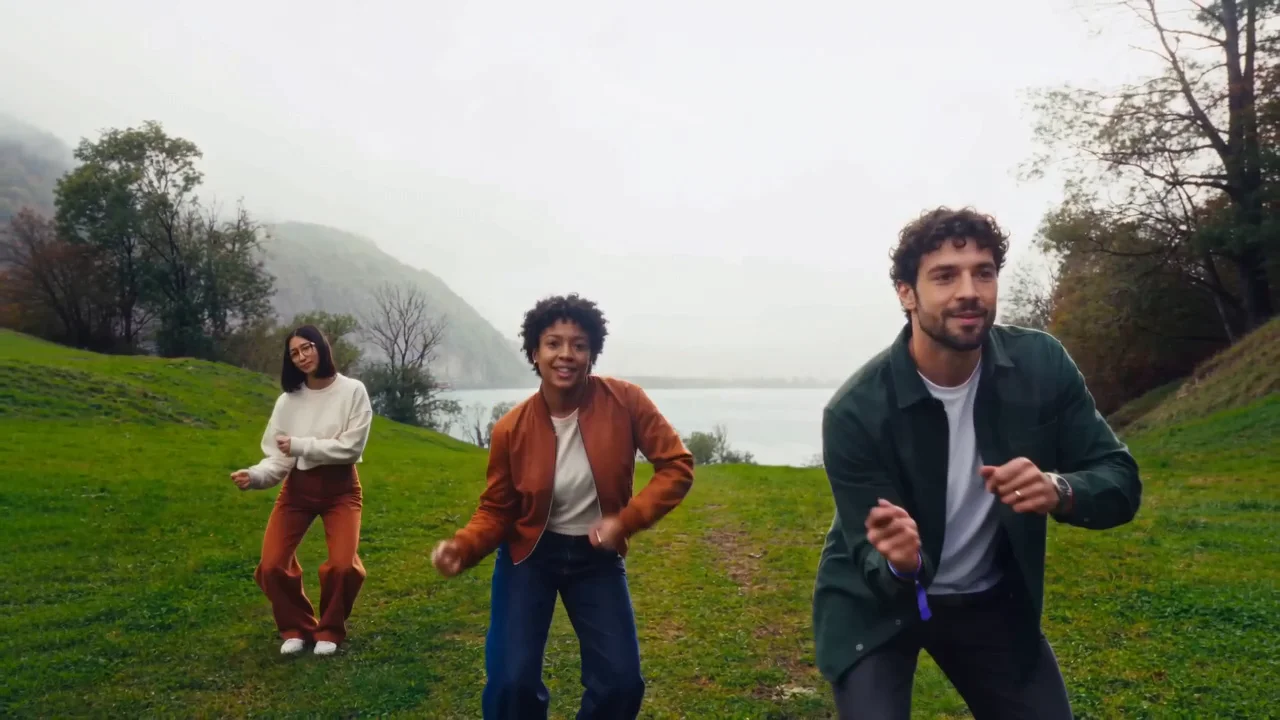
The page keeps the example, upload and generation controls together. You can inspect the three story beats before using credits, change quality without moving to another tool and keep or disable the template soundtrack. The soundtrack combines generated music and restaurant sound effects; it is not offered as the original TikTok song. For another compact visual transformation, try the Airport Finger transition. For a three-person dance instead of a dinner story, use Wassup in a Minute.
You Never Let Her Pay AI Trend Questions
What happens in the sponge wallet meme?
The diner insists on paying, reveals a sponge in a pouch and ends up in the kitchen. This version completes the joke with actual plate washing. The confidence before the reveal and the changed expression at the sink are the key parts of the payoff.
Do I need one photo or a couple’s photo?
Use one adult portrait with a single clear face. Your person replaces only the diner. The date and waiter stay fixed; a couple’s photo will not independently cast both roles. There is no duo or three-person mode on this template.
Can I use a pet photo or replace the waiter?
This template is intended for one adult diner and does not support pet casting or choosing the waiter. Use a human portrait for this scene. For a pet-specific effect, explore the Snow Leopard Paws template.
Can I change the restaurant, clothes or ending?
The restaurant, dinner outfit, sponge reveal and kitchen ending are fixed. Optional creative direction can suggest lighting or atmosphere, but it does not provide independent scene editing or a wardrobe selector. The template prioritizes keeping the dinner story recognizable.
What length and format will I get?
Basic and Standard request a 12-second, 9:16 vertical video. Pro uses automatic duration and framing, so its result can differ. Choose from the resolutions shown for your quality level and inspect the final crop before sharing.
Does it include the original trend song?
No. This template uses its own generated music and sound effects. The original reference post’s commercial song identity could not be verified. Turn sound off for a silent result, then add music in your own editor or a platform library if you have the appropriate permission. Custom audio upload is not available here.
Does generating the video cost credits?
Yes. Creating your own video requires signing in and enough credits for the current quote. Quality, resolution and the built-in reference affect the total. Preview the example freely, then use the quote in the form for your exact settings. Pricing lists available credit options.
Why does my face or the sponge look wrong?
AI can alter facial features, distort fingers or miss a prop. Start with a sharp portrait and review the full result, including the reveal and final face. A finished video with an imperfect effect is different from a failed generation; starting another generation is a new credit request.
What happens if generation fails?
A confirmed failed generation follows the service’s credit-return rules. A task still processing or being checked is not yet a confirmed failure. Check its status before starting again. Closing a login or credit prompt keeps your selected photo and settings so you can return to the draft.
Can I send the result to my phone and post it?
Yes. Download directly on mobile, or use the desktop result’s Download to Phone QR code. Review the exported video and the destination app’s crop before posting. Use portraits and any added music you have permission to publish; creating the video does not grant rights to someone else’s likeness or soundtrack.
The reference clip and the sponge story
A directly verified reference is @s.nemz’s “I got this!” TikTok, dated November 8, 2026. It shows the date’s card, the black pouch, the sponge and the waiter leading the diner to dirty dishes. That recording stops at the kitchen; the washing shot in our example is a new ending. This establishes a specific reference version, not the first use of the joke anywhere online.
The Viberot walkthrough explains the refusal, reveal and kitchen sequence. The You Never Let Her Pay trend guide also describes the sponge as the alternative way to pay. These explain the visual gag; neither proves a commercial song title. Our example is newly generated with fictional people and a different restaurant, rather than the source creator’s recording presented as a generated result.