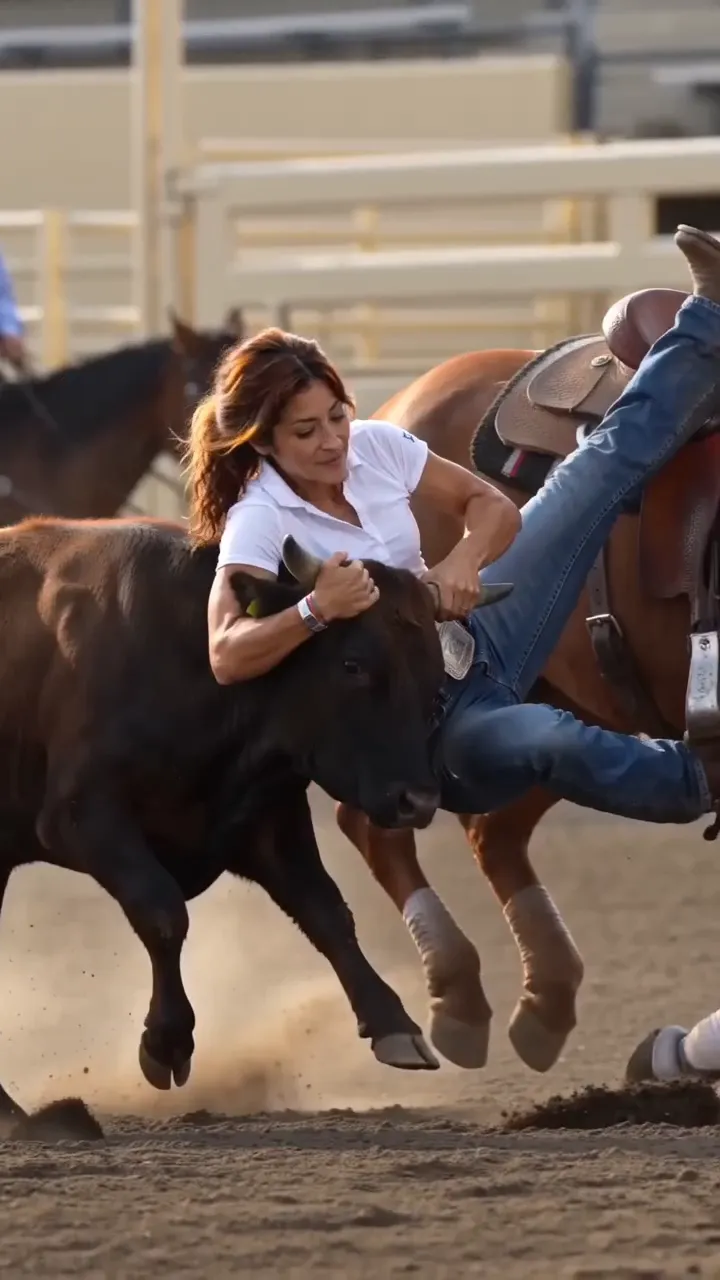
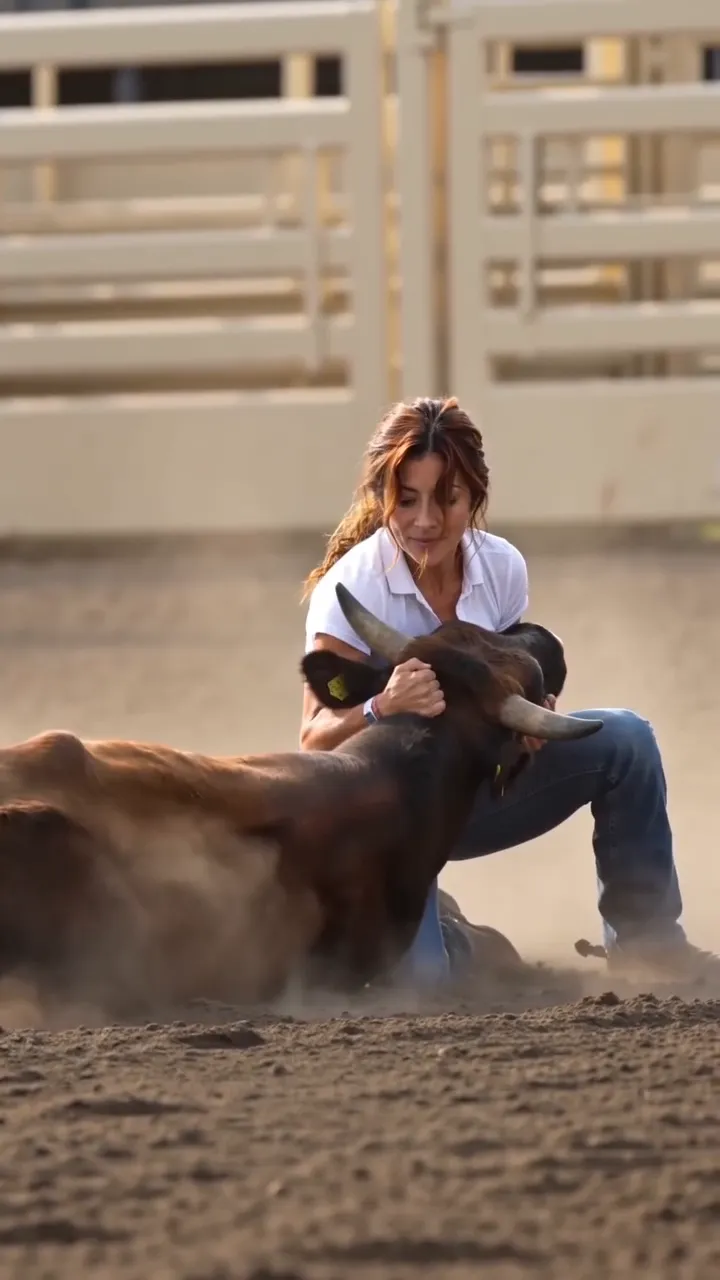
What does the steer wrestling template make?
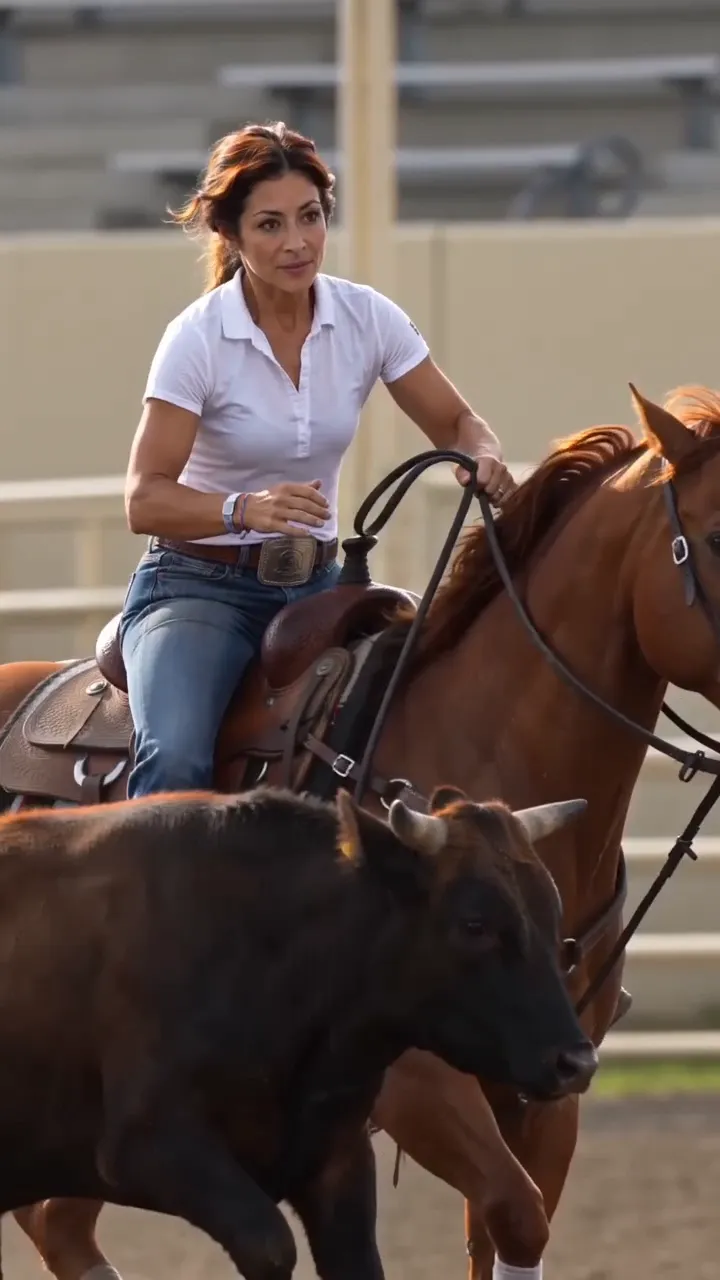
The Steer Wrestling AI Video Generator turns one adult portrait into a short rodeo film. Your person becomes the main rider: approaching on horseback beside a steer, dismounting, sliding through the dirt and completing the sporting takedown. The template supplies the setting and action, so you can make a rodeo AI video without filming horses or planning each movement yourself.
Steer wrestling is also called bulldogging. In the real sport, a mounted contestant dismounts to bring a steer to the ground; the Silver Spurs Rodeo explanation describes the contestant and assisting hazer. This template creates fictional imagery inspired by that event. It is a sporting action sequence, not professional wrestling between two people or a bull-riding clip.
Prepare one portrait for the arena
Choose a recent-looking, well-lit adult portrait with one unobstructed face. A front or gentle three-quarter view gives the generator more usable facial detail than a tiny face in a group photo. Keep eyes, hairline and jaw visible. Avoid sunglasses, strong beauty filters and motion blur. Upload a JPG, PNG or WebP file up to 10 MiB, or use the sample portrait to understand the workflow.
The steer wrestling scene supplies the western outfit, horse, steer and arena. You do not need a cowboy costume in your portrait. Clothing and background in the uploaded image are not promised to carry over. Optional creative direction can suggest warmer lighting or a dustier atmosphere; it does not change the fixed choreography, create a second lead or let you select a different sporting event.
The output is a 15-second vertical video in 9:16. Choose a quality tier and review the current credit quote before generating. Include arena ambience if you want the template’s sound with the action, or switch it off for a silent result. The original social clip’s song is not included.
Make your rodeo AI video, step by step
- Cast the rider. Select Upload Your Portrait in the arena pass. On desktop, the phone-upload option also lets you send a photo from your phone. Review the chosen portrait before continuing; selecting a file does not start generation.
- Choose the finish. Open Quality & sound, select the available quality and decide whether to include arena ambience. Keep creative direction focused on the look of the steer wrestling scene. Check the displayed credit quote.
- Start the video. Select Make My Rodeo Video. Sign in if prompted, then submit again when ready. If your credits are insufficient, the shared purchase dialog links to pricing. Closing that dialog keeps your draft and portrait.
- Review the whole action. Watch the horseback approach, dismount, dirt slide and final contact. Check the face whenever it is visible, the separation of the animals and the position of hands and boots. A successful task status alone does not guarantee a convincing sporting movement.
- Download the result. The completed video appears below the full creation area. Use Download, or Download to Phone on desktop. On a phone, use the direct download. Review the saved file and clearly present it as an AI creation when sharing.
If a task is still processing, keep its result card rather than submitting the same job again. If it reports failure, read the displayed message before trying another portrait. Repeated submissions create separate tasks; do not assume that clicking again continues the original one.
Choose a complete sporting sequence
A convincing steer wrestling clip needs more than a cowboy pose. The approach establishes where the rider and steer are, the slide connects the dismount to the ground, and the finish gives the movement an ending. This template packages those beats into one motion reference. That makes it useful when your goal is to put a recognizable person into this specific rodeo sequence without writing a new shot list.
The visible sample and input portrait let you compare the intended transformation before spending credits. Built-in ambience is optional, and the vertical framing fits a phone screen. The tradeoff is limited scene control: this is one fixed steer wrestling setup, not a sports-video editor. Faces may change under occlusion, and fast animal contact can produce imperfect anatomy. Inspect the result at normal speed and pause around the dismount before deciding to share it.
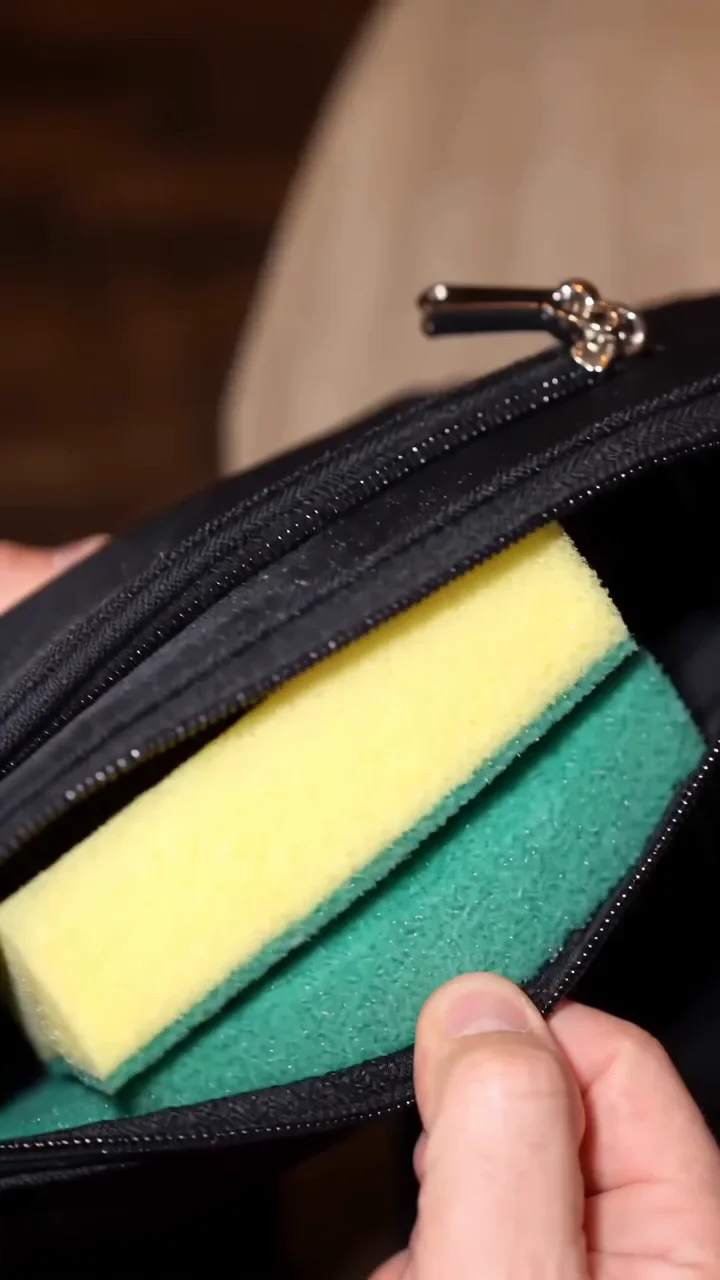
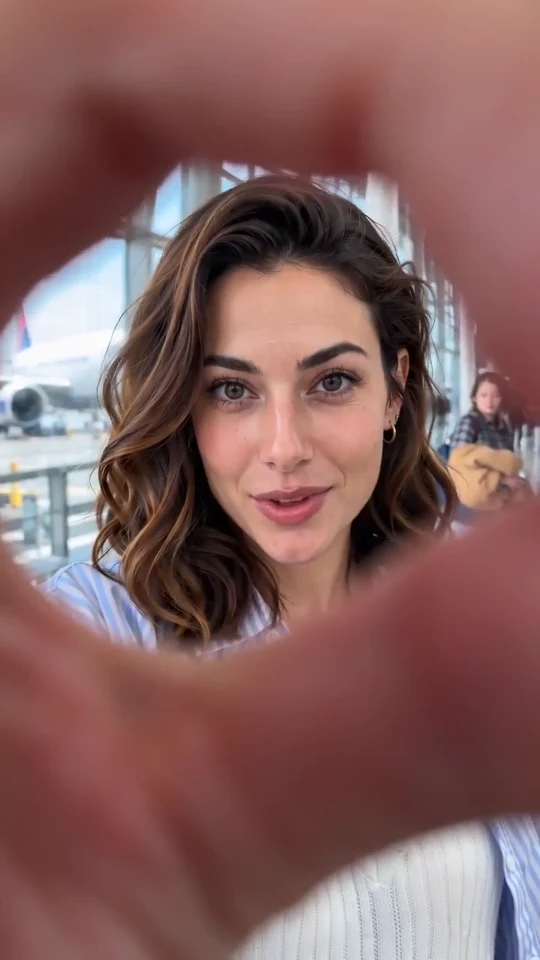
For a different kind of portrait cameo, try the dinner-date sponge meme or the airport finger transition. Both have their own scene and input requirements.
Steer wrestling questions
What will happen in my video?
Expect a horseback approach, dismount, dirt slide and takedown. The steer wrestling example shows the intended motion. AI may vary details, so check all three action beats rather than judging only the opening frame.
How many reference photos can I upload?
This steer wrestling template accepts one portrait. That image identifies the main rider. Supporting characters stay fixed.
Which portrait works best?
Use one adult with an evenly lit, clearly visible face. Crop out other people and avoid a hat brim covering the eyes. A clear portrait helps identity guidance, but it cannot guarantee that every face detail stays identical during a fast turn.
Do I need a horse or a western outfit in the photo?
No. Your portrait provides identity, while the steer wrestling scene provides the outfit and animals. There is no wardrobe or horse selector.
Can I make a pet or a group version?
This version is designed for one adult human rider. It does not offer pet casting or multiple lead roles. Use the template directory to find a different setup rather than expecting a group portrait to create extra riders.
Can I change the length or aspect ratio?
The steer wrestling preset fixes the scene at 15 seconds in vertical 9:16. For a shorter edit, trim the downloaded video.
Does the video include the original music?
No. The optional sound is arena ambience associated with our example. The reference post uses a TikTok original-sound label, which does not establish the underlying song’s identity or rights. Switch ambience off if you want to add separately licensed music in your editor.
Is generation free?
Generation uses credits. Review the live quote for your chosen quality before submitting; it includes the built-in reference as well as the output. Signing in or uploading a portrait does not itself mean that a paid generation has started.
What if my face or the animals look wrong?
Try a clearer portrait if identity is weak, and keep optional directions simple. Watch for merged limbs, changing horns or an incomplete finish. These are possible AI errors. A different quality setting does not promise to fix a specific anatomy problem.
How do I save and share the video?
Download the completed result below the creation area. Desktop users can also transfer the result to a phone with the shared download option. Watch the saved file with sound on and off before posting your rodeo AI video.
Sources: the sport and the reference clips
The “Going down” post by @reelwesternmedia is a directly checked steer wrestling reference showing the approach, dismount and takedown. An earlier “Beast mode” post from the same creator shows another example of the sporting format. These posts establish identifiable reference recordings, not who first invented the AI trend.
The Silver Spurs Rodeo steer wrestling guide explains the real event and the hazer’s role. Our displayed example is AI-generated fictional footage. It is not evidence of a real performance by the person in the portrait.