
What is Shan Shen Bu AI Dance?
Shan Shen Bu AI Dance creates a new performance from one subject photo and a built-in motion reference. Choose an adult flash step, a pet adaptation or a skirt text reveal. These are generated interpretations, not footage of the subject actually dancing.
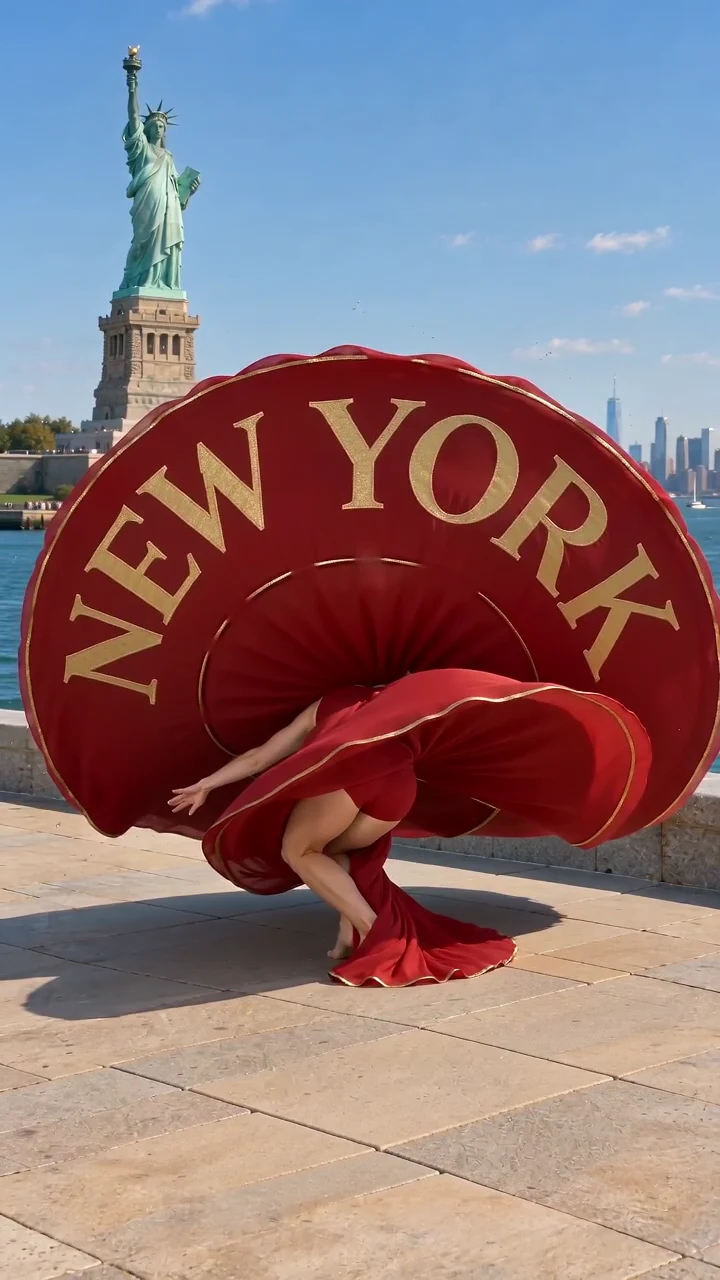
The traditional flash step belongs to Anhui’s Huagudeng folk dance. In China Art News’ interview with Zhao Tiechun, the instructor explains quick footwork, a decisive stop and gathering energy before moving again. The skirt text reveal is this dance template’s creative variation, not a reconstruction of that traditional step.
Xinhua’s explanation of how to dance the flash step places it in the playful exchanges between Huagudeng’s male gujiazi and female lanhua roles. When reviewing the classic preview, look for a quick dodge and clear recovery that read as a response to another performer.
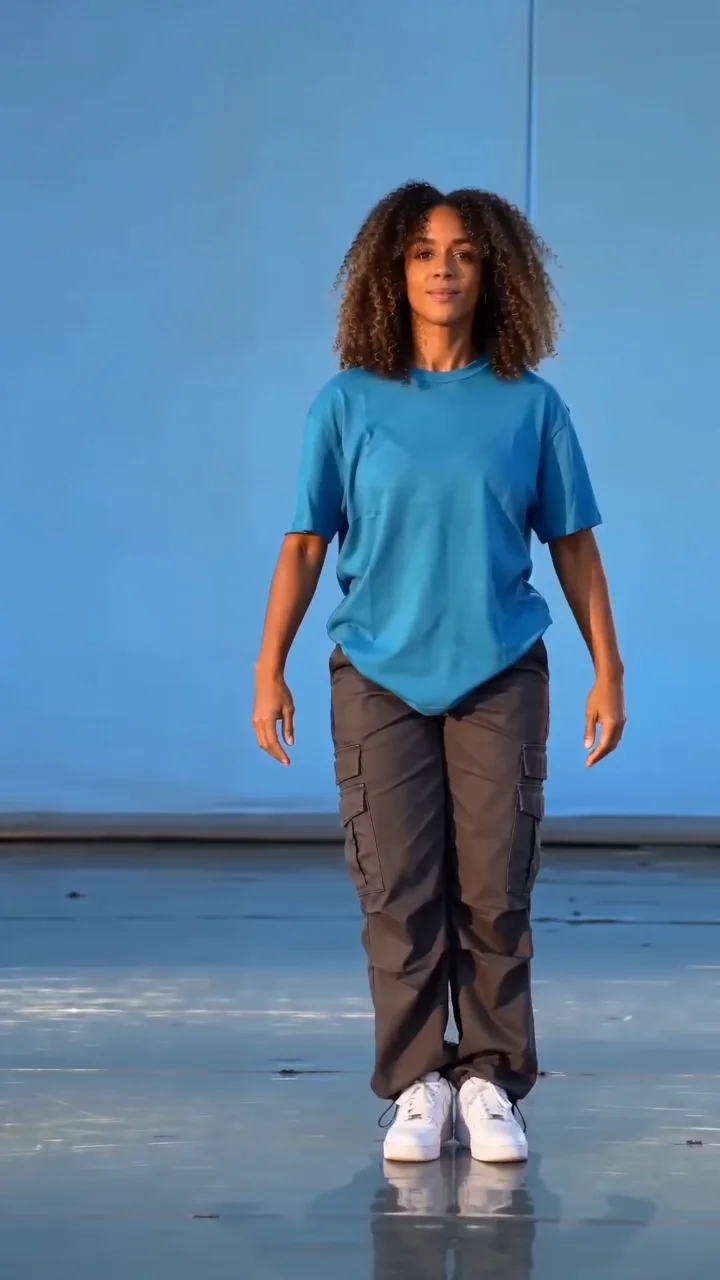
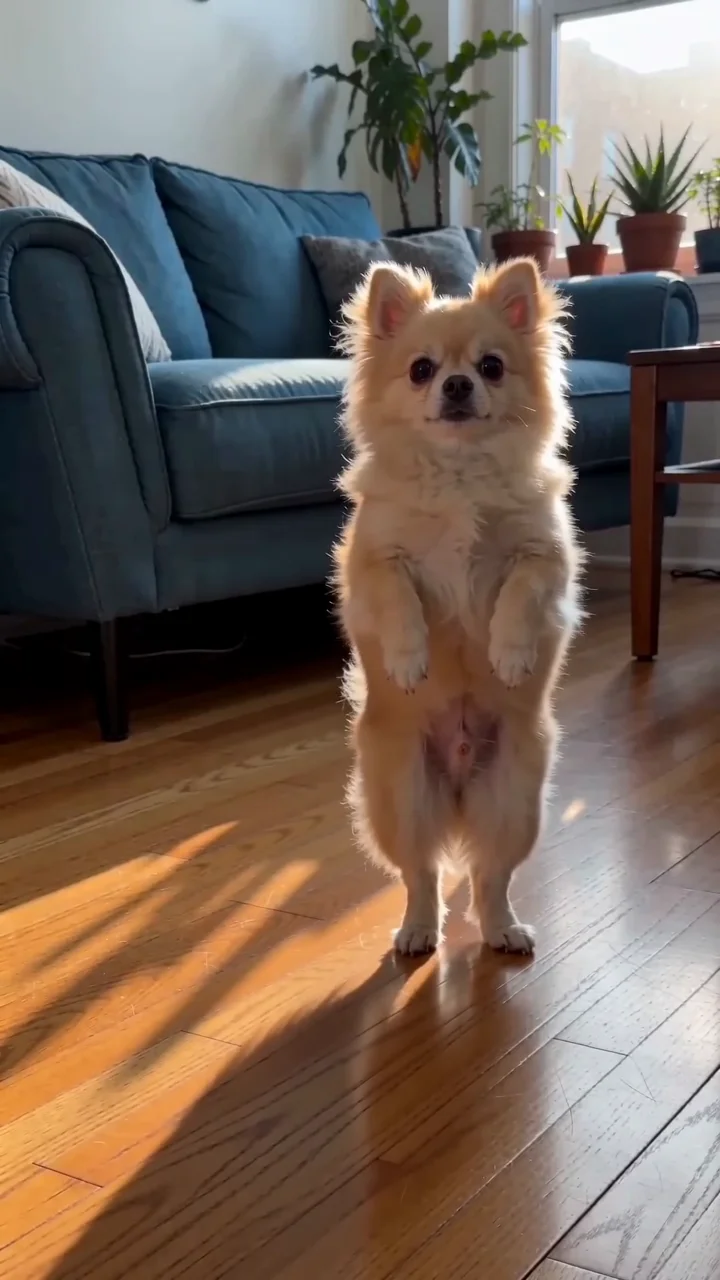
China News’ interview about Huagudeng and Shan Shen Bu distinguishes sideways and forward flashes. Choose the classic style for the prepared sideways routine here; a forward flash is a different movement direction. The pet style adapts the idea to an animal character.
Choose the flash step or skirt text reveal
| Dance template | Prepare | Fixed output |
|---|---|---|
| Classic flash step | One standing adult; hands and shoes visible. | 10 seconds; sideways dodge, recovery and kick; no generated audio. |
| Pet flash step | One whole cat or dog; face and paws visible. | 10 seconds; playful upright dodge and hind-paw kick; no generated audio. |
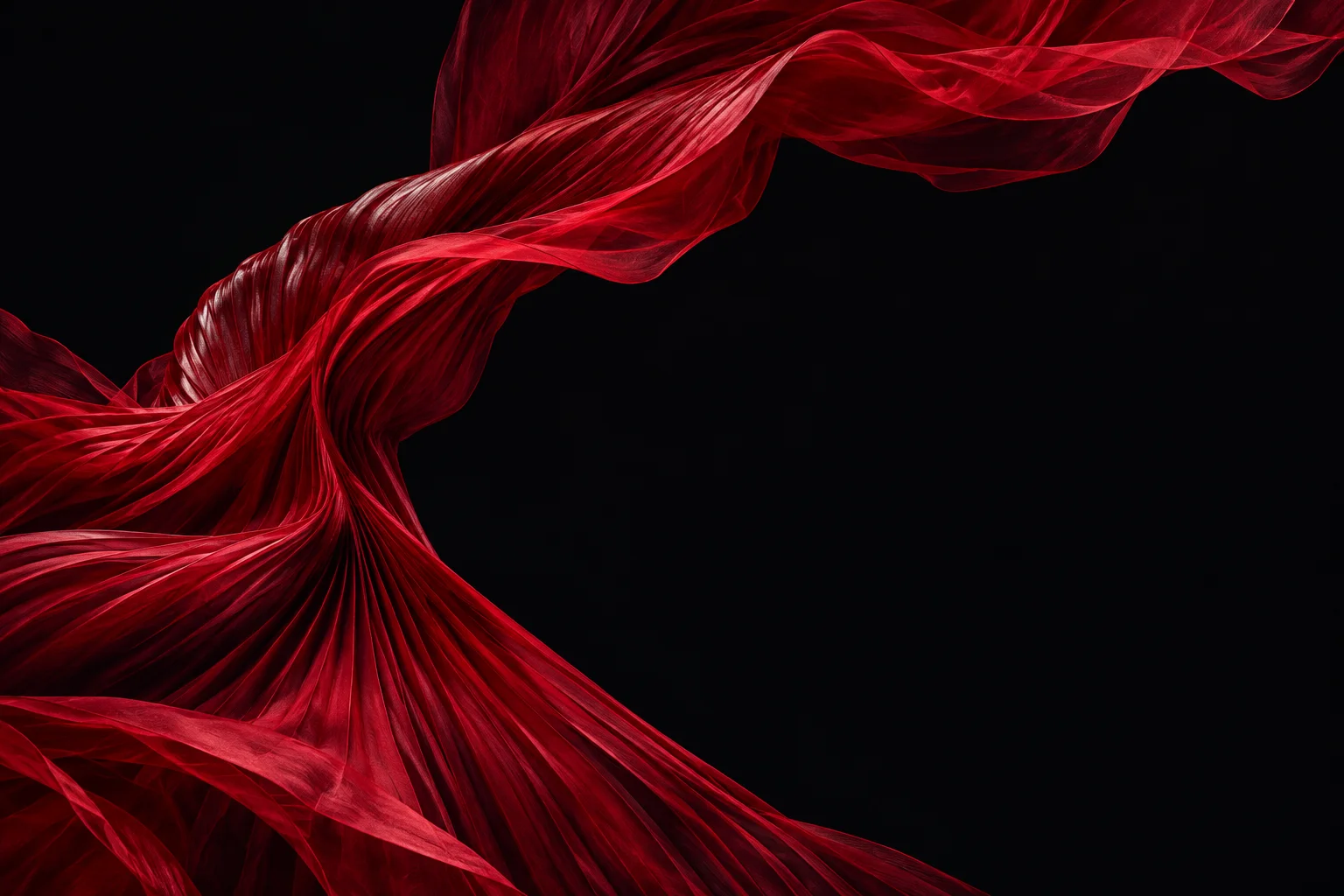
| Skirt text reveal | One adult, head to feet; room around the arms. | 6 seconds; a performance dress opens into a fabric fan; generated music and optional lettering. |
Every style uses 9:16. Basic offers 480p/720p; Pro adds 1080p. Your full-body photo guides appearance; the included motion reference guides the routine. The skirt style intentionally changes clothing. None locks the face, anatomy or wording. Add up to 9 photos with Basic or 30 with Pro. Use photos of the same subject, with the main view first. This template uses its included dance video.
How to use this dance template
Prepare a static JPEG, PNG or WebP, at most 10 MiB, at least 300 pixels per side and at most 36 million pixels overall. Use an authorized adult photo or your own pet. Avoid cropped feet, overlapping subjects and hidden limbs.
- Compare the dance template. Choose a style, watch its preview and select View Source Photo to inspect the displayed input. Check the framing before choosing your full-body photo; an example does not guarantee your result.
- Add your subject. Choose a Photo opens selection; sign in if prompted. Desktop users can choose Add from Phone. Received images use the same validation and replacement flow. Check the accepted preview; adding a photo does not generate a video.
- Add optional details. Creative Direction can request a setting or appearance detail, not replace the motion reference. For the skirt text reveal, Your words on the skirt accepts up to 20 characters: letters, numbers, spaces and supported punctuation (
' & ! ? . -). Chinese characters are allowed; emoji and commas are not. Leave it blank for unprinted fabric. There is no font or costume picker. - Review the credits. Choose your settings and review the displayed credits, which include the prepared reference. Select Generate Video to start; sign in and add credits if needed. Changes to your settings update the estimate. See the video credit guide.
- Inspect and save. Watch the whole clip, then use Download to Computer or Save to Phone on desktop; mobile users upload and download directly. Find the original task in My Videos if you leave or disconnect. Check its state before paying for another attempt. Downloading does not publish the video.
ComfyUI’s motion-framing guide recommends keeping limbs visible and leaving room around a dancing subject in its motion-reference workflow. Before uploading a full-body photo here, check the hands, shoes and space for the sideways step.
For a TikTok business post, use added music covered by its TikTok commercial music library or another suitable license. A generated skirt-reveal soundtrack does not license a recording you add later.
Why choose this dance template?
Choose Shan Shen Bu AI Dance when you want a prepared motion reference without finding a dance video or writing the choreography. Separate adult, pet and fabric examples help you compare the intended movement and framing before uploading. The source-photo switch makes the example’s starting appearance inspectable.
You can choose output quality and review a quote before committing. The tradeoff is a fixed routine: neither Creative Direction nor a higher resolution guarantees matching steps, likeness or readable letters. For another routine, try the AI dance video generator. For this dance template, start with your full-body photo.
Review motion, paws and moving words
For the classic flash step, look for sideways movement and recovery, not walking in place. Check foot contact, knees and face through turns. For pet flash step, inspect all limbs, paws and fur markings. For skirt text reveal, follow the waist connection, fabric edge and each letter throughout opening and settling.
Watch at normal speed in a phone-sized view before pausing on details. Change one photo or note at a time for another take; each attempt is separately quoted.
Questions before generating
Choose the right workflow
What is Shan Shen Bu AI Dance?
Shan Shen Bu AI Dance uses photos of your subject with a prepared vertical dance. Choose a skirt-text reveal, a classic human dance or a pet performance. The first photo is the main subject reference; other views can support its details.
Which dance style fits a person, cat or dog?
Classic is for a human dancer, Pet is for one cat or dog, and Skirt reveal adds a skirt-style text reveal. Prepare one clear, full-body subject; do not use a crowded group photo. The skirt style requests a performance dress rather than preserving the original outfit.
Do I need a photo or a reference video?
At least one photo is required; Basic accepts up to 9 and Pro up to 30. The first photo is the primary subject reference, with other views as supporting detail. The template supplies its motion reference, which you cannot replace with your own video. Keep the subject and limbs clearly visible.
What text can I put on the skirt?
Skirt reveal accepts an optional line up to 20 characters using letters, numbers, spaces and the supported punctuation shown by the form. Other styles have no reveal text. Spelling is not guaranteed; inspect the finished reveal. There are no separate font, text-position or reveal-timestamp controls.
Will the result exactly match my reference?
No exact match is guaranteed. Appearance, motion, lettering and audio can vary. Start with a clear source and one simple action, then inspect the entire finished clip before sharing or buying another attempt.
Prepare and generate
Will a selfie or head-only photo work for full-body motion?
A cropped image cannot reliably supply unseen limbs or clothing. For whole-body movement, choose a sharp full-body photo with visible hands or paws and space around the subject; results can still vary.
Which duration, resolution and aspect ratio can I choose?
All styles are 9:16. Skirt reveal is six seconds with requested audio; classic and pet styles are ten seconds without generated audio. Basic offers 480p/720p; Pro adds 1080p. The style fixes length and audio.
Can I choose my own song or turn the template music off?
There is no song upload or separate sound toggle. Skirt reveal requests music from its prepared audio reference; the track and timing can vary. Classic and pet styles request silence. Preview muting does not change the export; edit audio after downloading.
Accounts, credits and task status
How much will one generation cost?
The creation area shows the current quote. Tier, output length, resolution and reference-video duration affect it; prepared template references can also count. Recheck the total after changing settings. Video Credit Guide
Save, share and protect your media
Where can I find and download my finished video?
Open the completed task in the creation area or My Videos, play the result and use Download. Save your own copy for later editing or posting. Samples are examples, not your personal task output. The download is an MP4 file. My Videos
Sources
China Art News: Why the Flash Step Caught On (Chinese) — An interview with Zhao Tiechun about the flash step’s footwork and rhythm.
-
Xinhua: how the flash step is danced — Huagudeng roles, playful partner exchanges and fast, clean movement.
-
China News: Huagudeng and the flash step — Practitioner interview explaining sideways and forward flashes and modern adaptations.